Sales and receipts
Find products by name or barcode, record cash, credit or split sales, and share Classic invoices as PDFs from receipts.

Record sales and returns, manage inventory and cash shifts, and review receipts and reports from your phone or tablet.
Privacy policy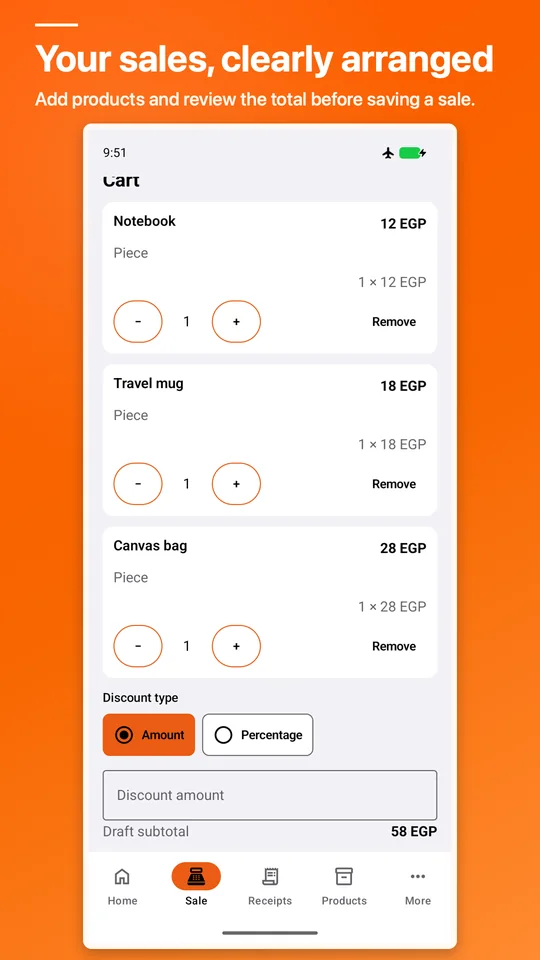
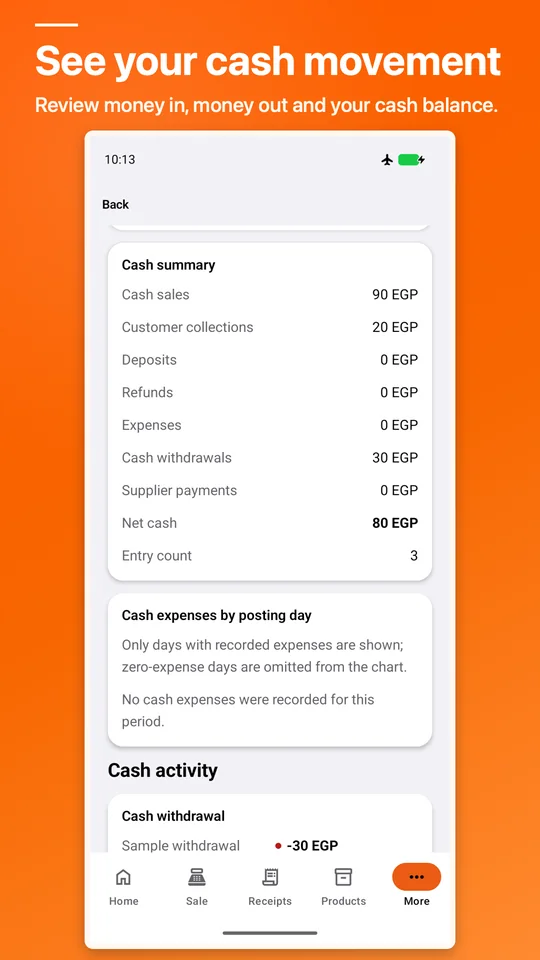
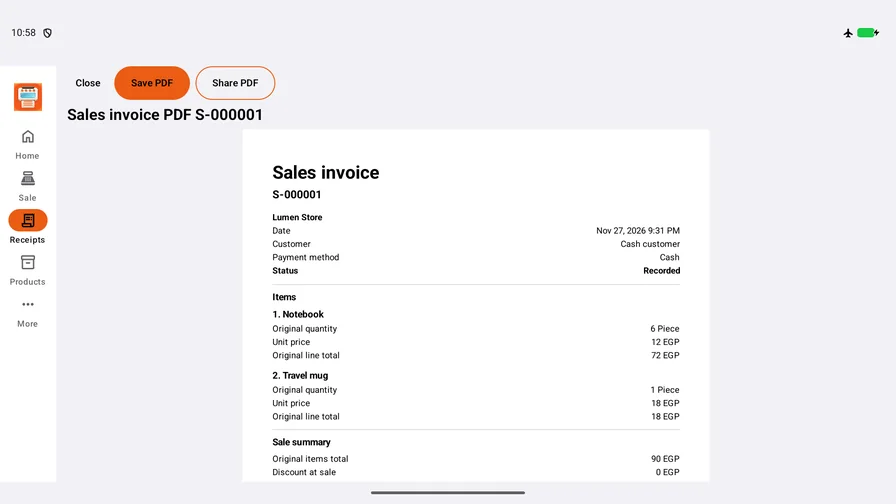
Preview the sale, product catalog, sales invoice and daily cash summary.
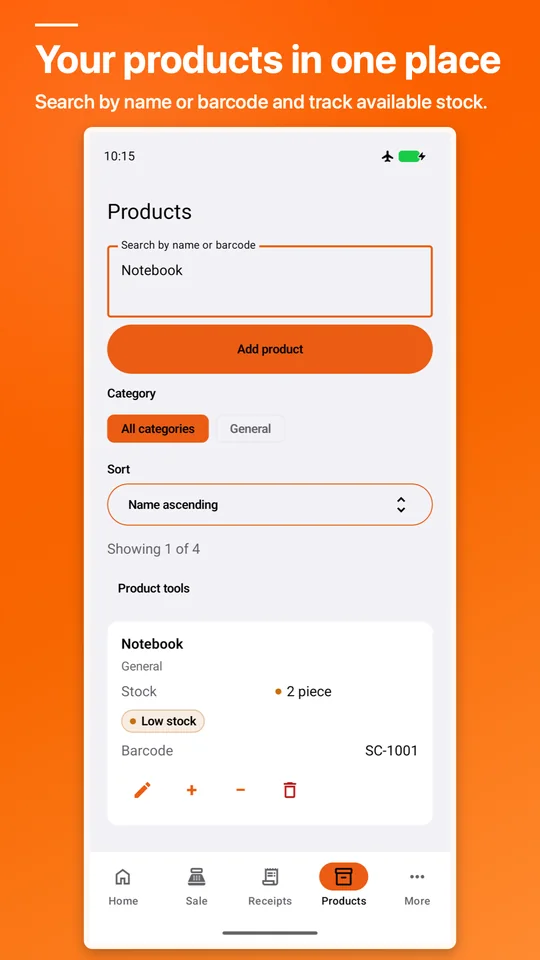
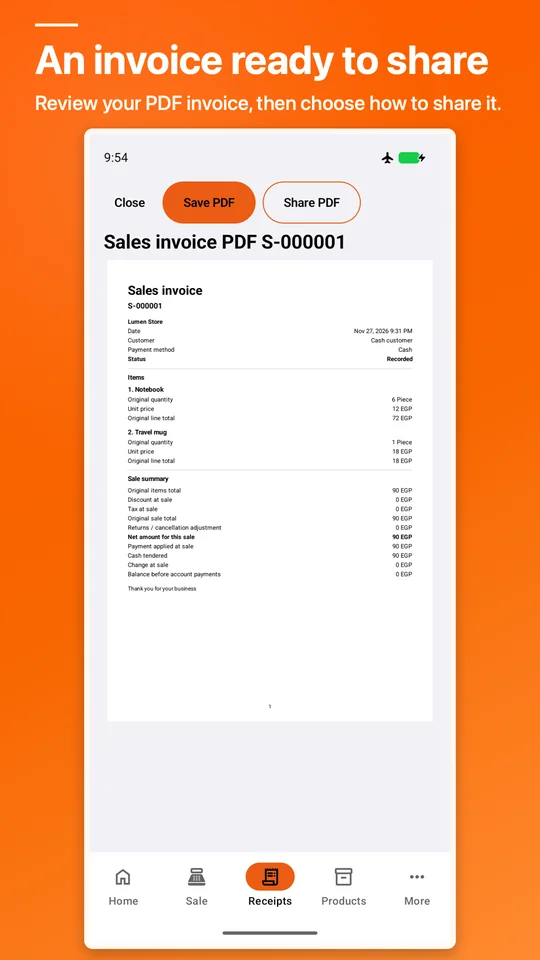
Find products by name or barcode, record cash, credit or split sales, and share Classic invoices as PDFs from receipts.
Look up stock, batches and expiry dates. Open and track cash shifts and review sales reports.
Keep store records on your device and save manual backups, with password protection available.
Yes. Type the barcode or search for the product by name in the Sale screen.
Open Backup & restore to save a backup in a location you choose. You can protect the file with a password.