Back to Codekenz appsAgreements · PDF · Local signatures
Contract Maker
Create a clear agreement, review it, and sign locally on your deviceContract Maker helps you start from a clear template, answer guided questions, and review the PDF before you save, share, or print. It includes 25 Arabic and English templates, local signatures, optional app lock, and encrypted backups, with no Codekenz account or automatic agreement upload.
No account requiredKept on your deviceEight free templatesOne-time Pro
Opens your email app. No address is sent until you choose to send the message.Privacy policy for this app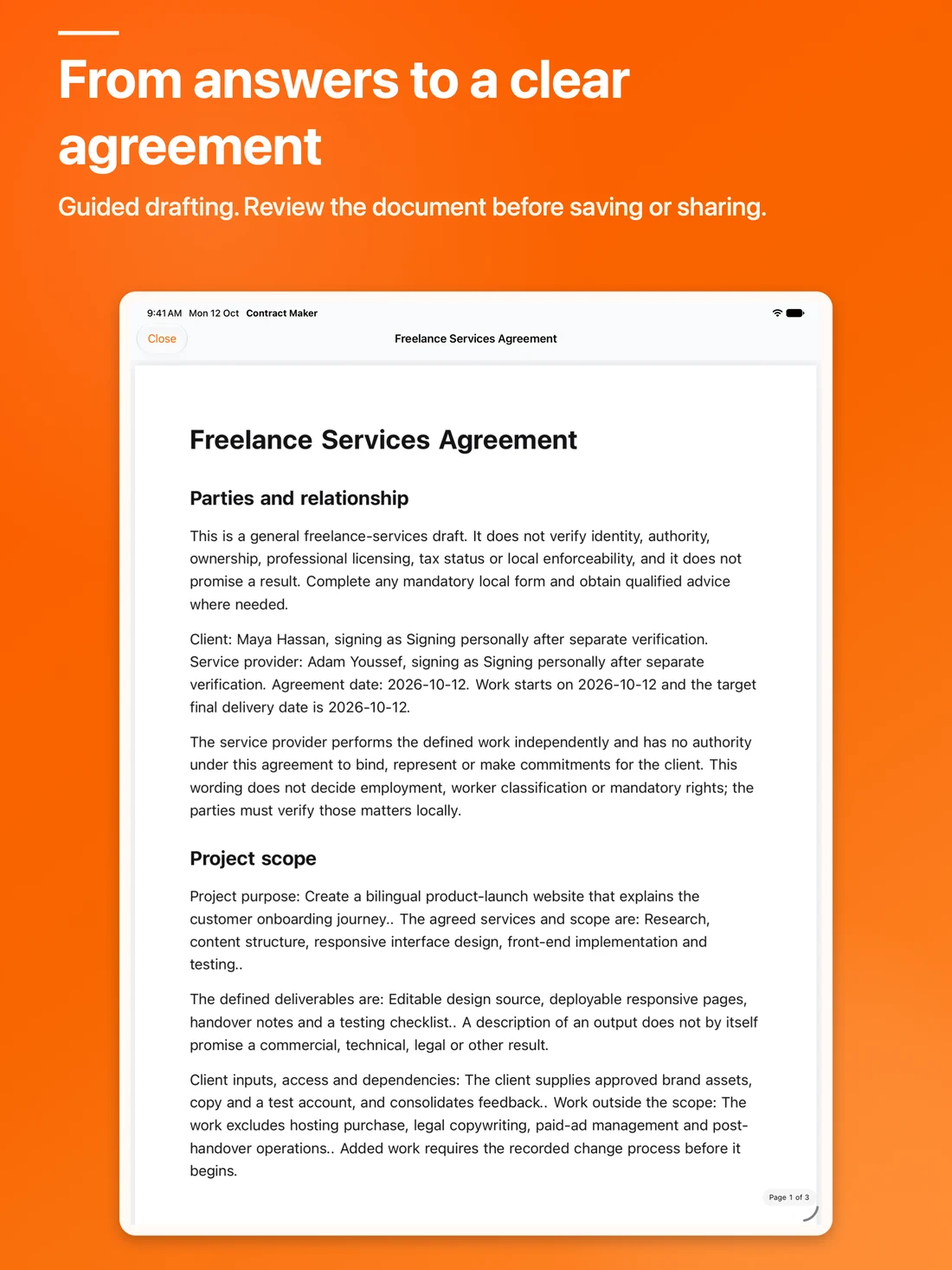
Purpose & value
Why Contract Maker?
Create NDAs, leases, employment drafts, and service agreements from guided Arabic or English templates. Review PDFs, sign locally, and keep encrypted backups.
Preview before you start
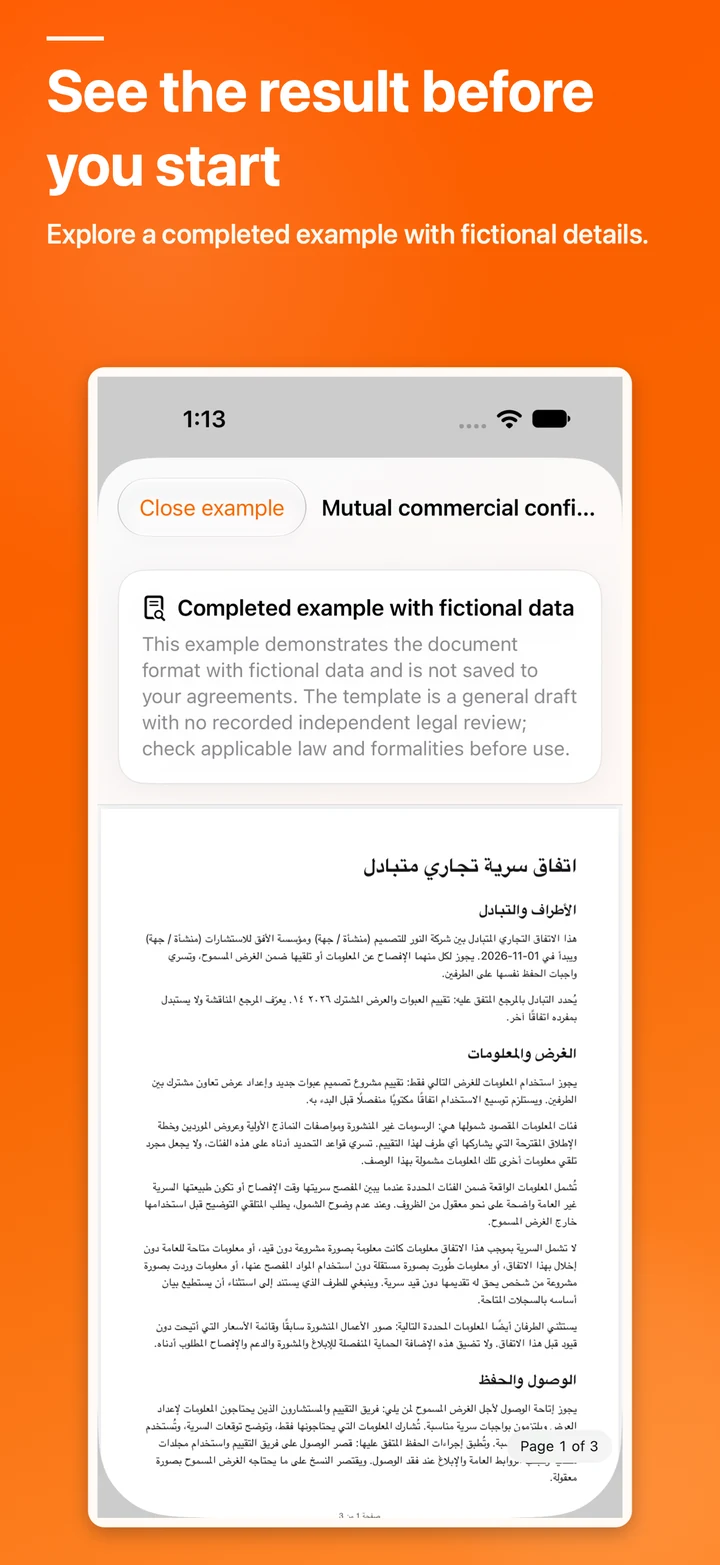
Open a completed fictional example for every template before creating a draft or buying Pro.
Guided drafting
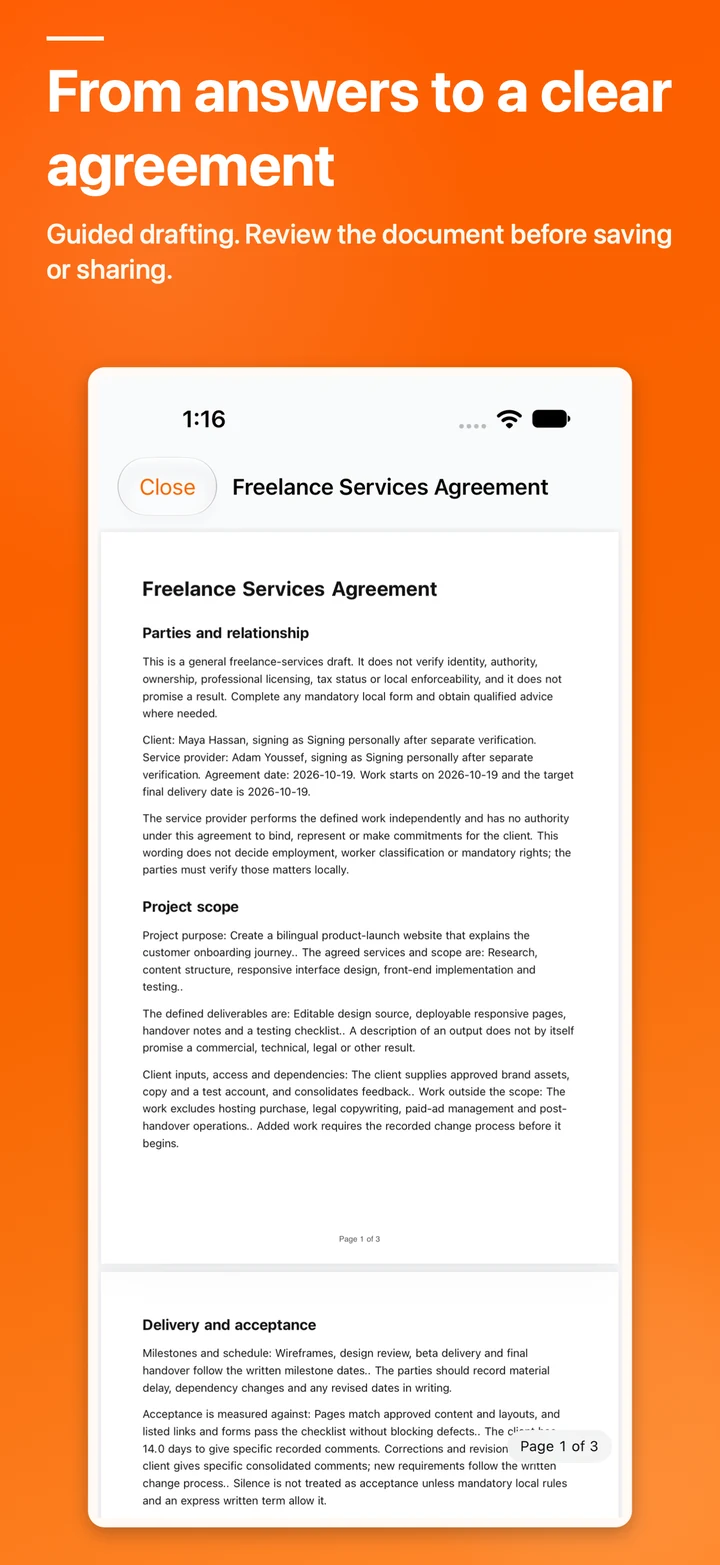
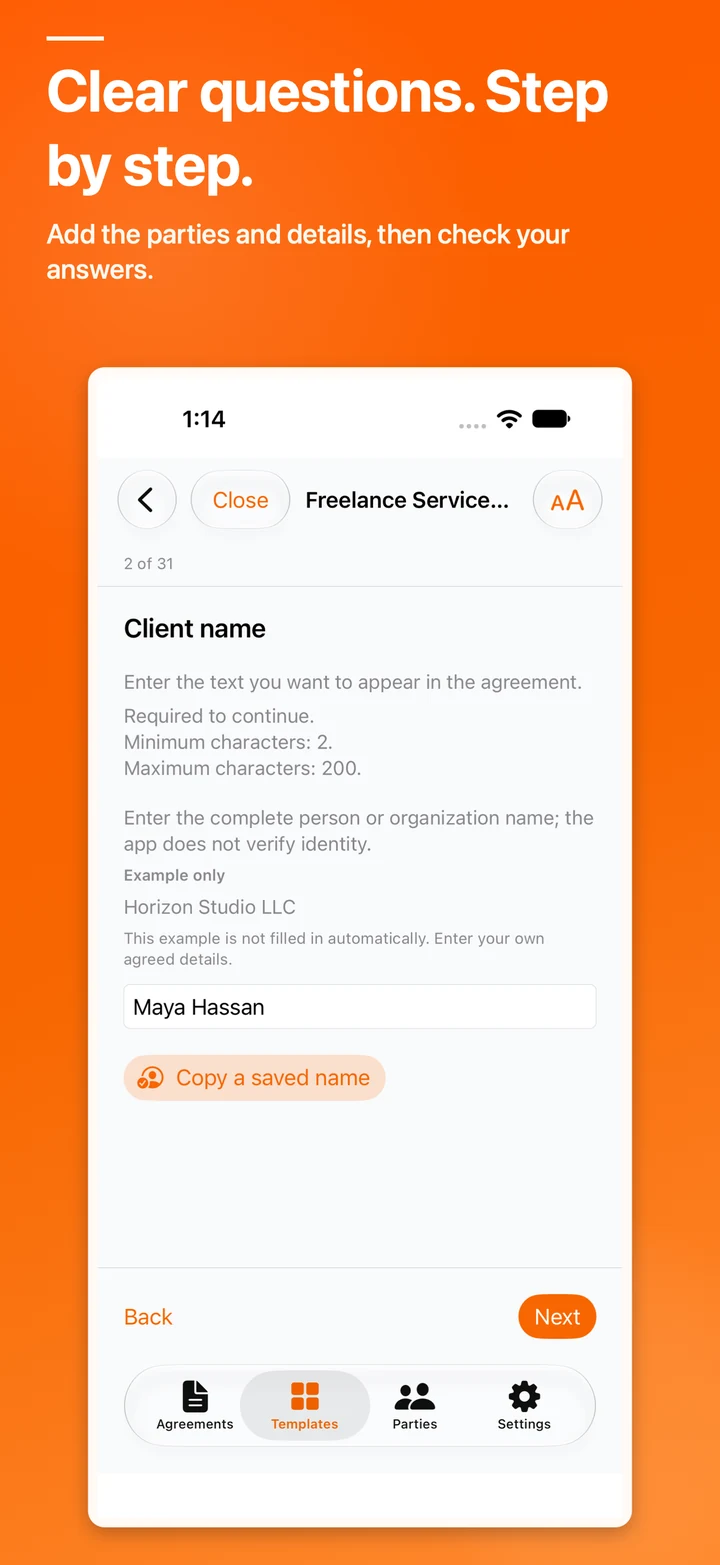
Answer structured questions, review the answer summary, and inspect the PDF before exporting.
Files stay under your control
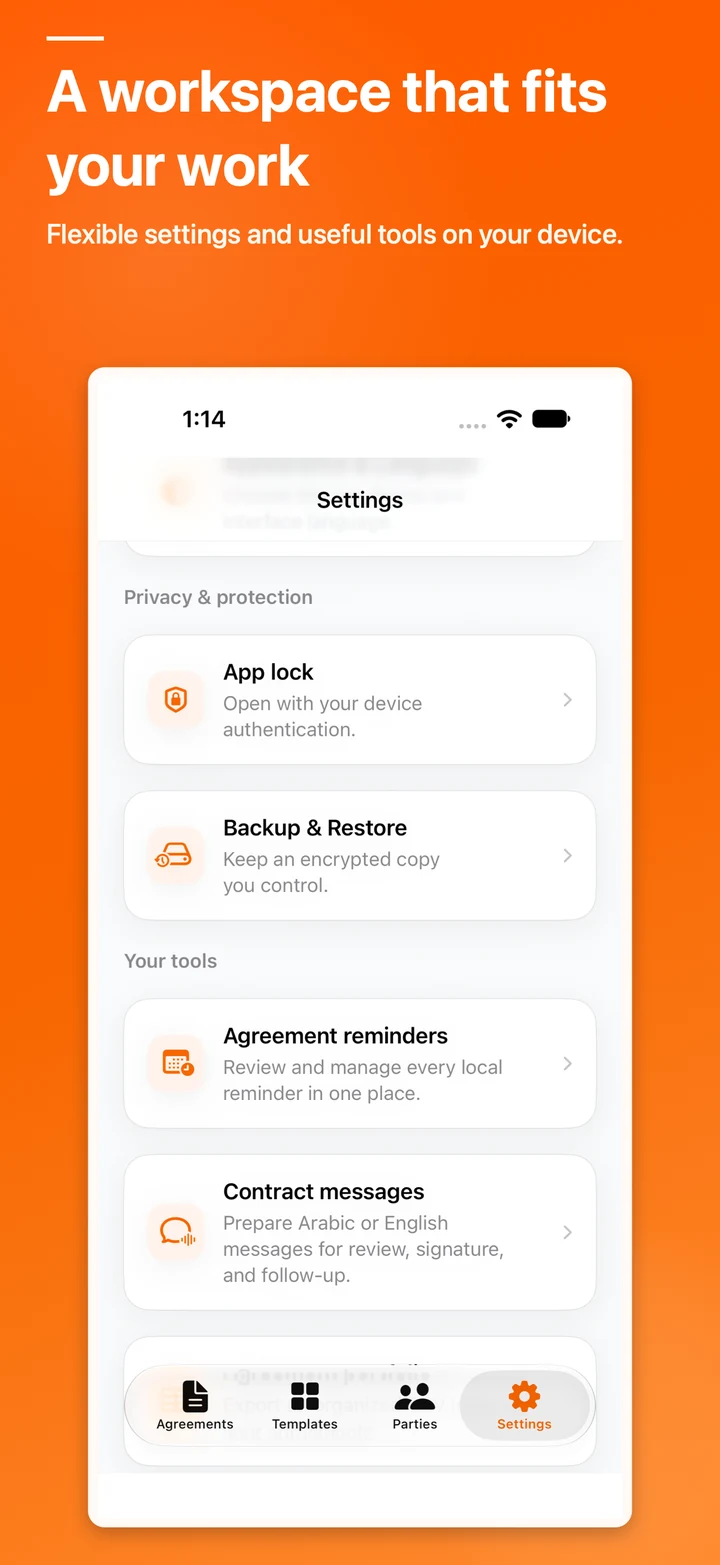
Use app lock, encrypted backups, and manual export without automatic Codekenz cloud sync.
Inside the app
Real screens from the product experience
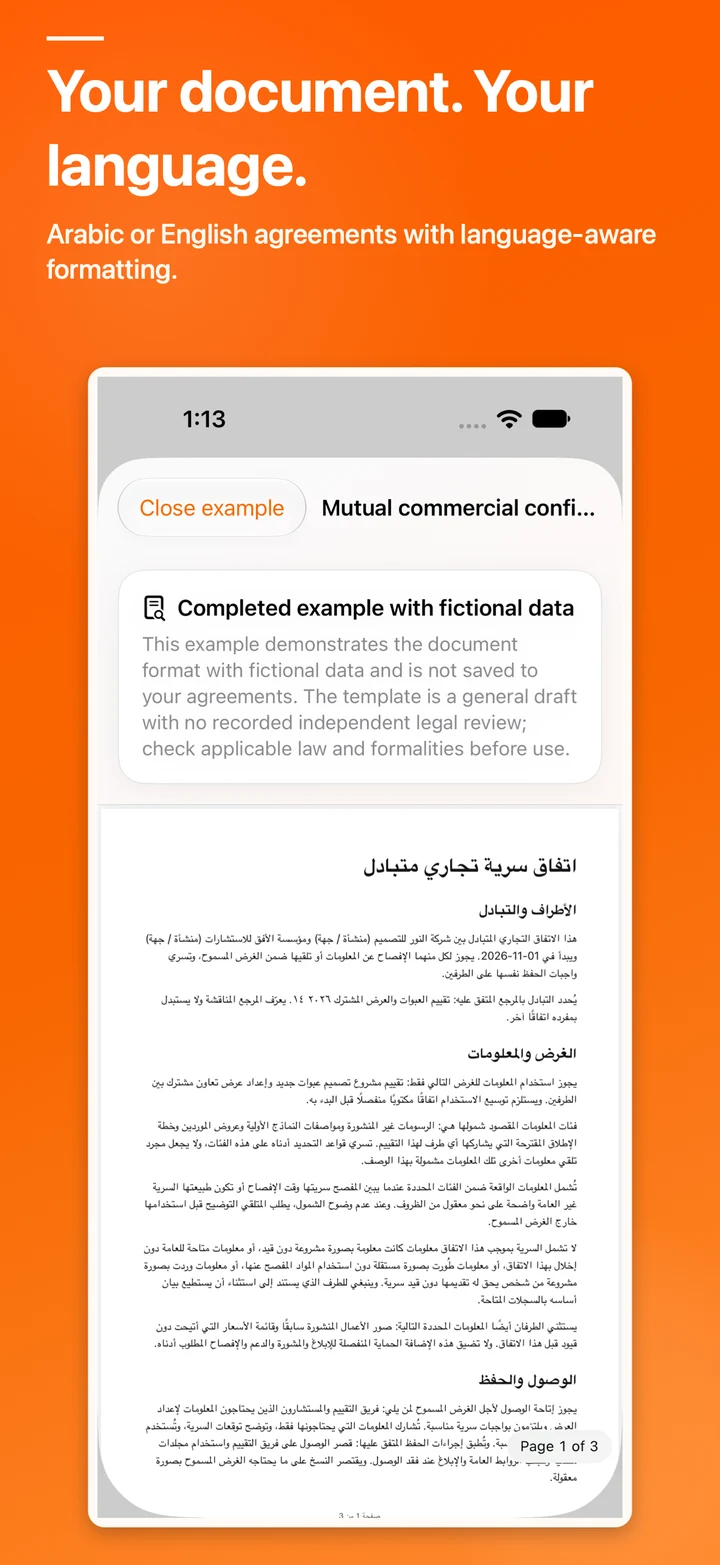
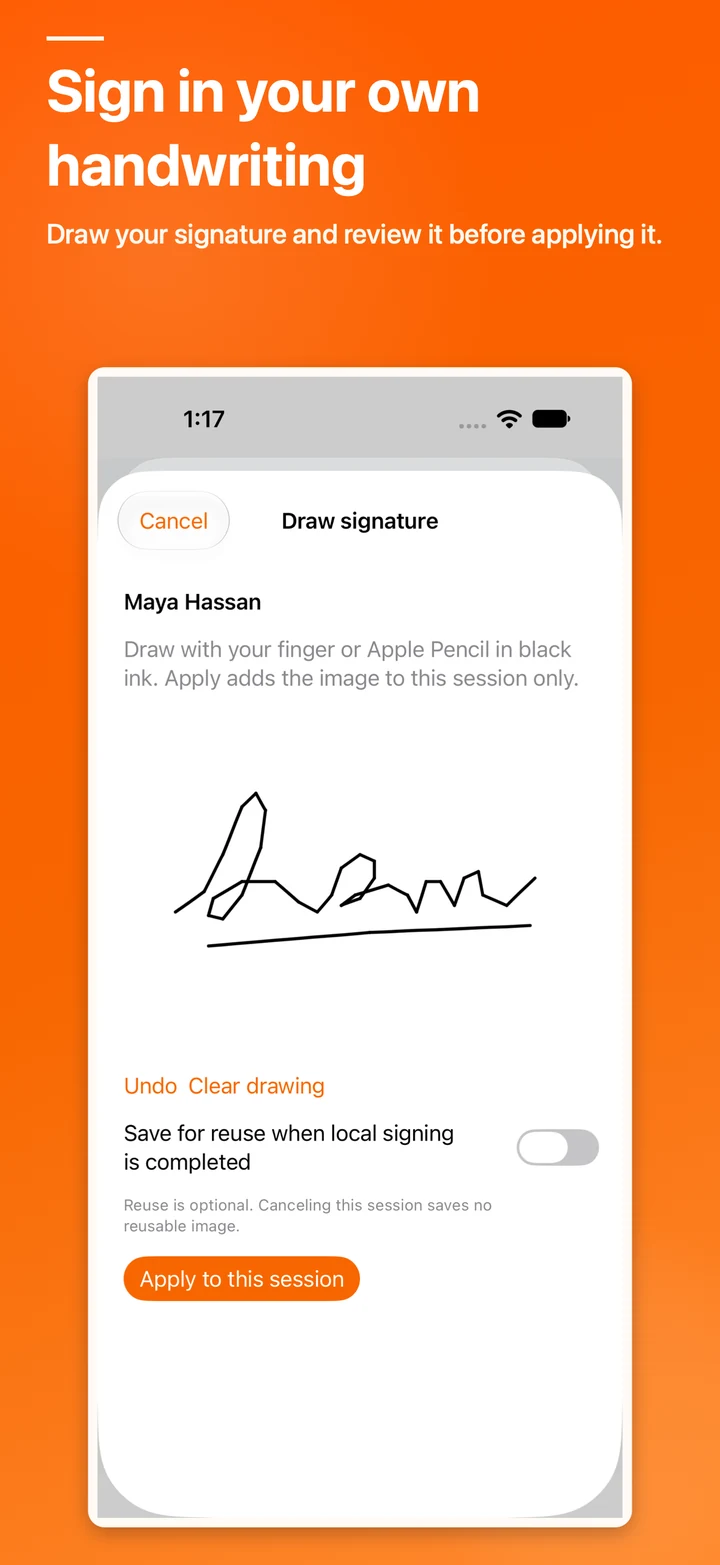
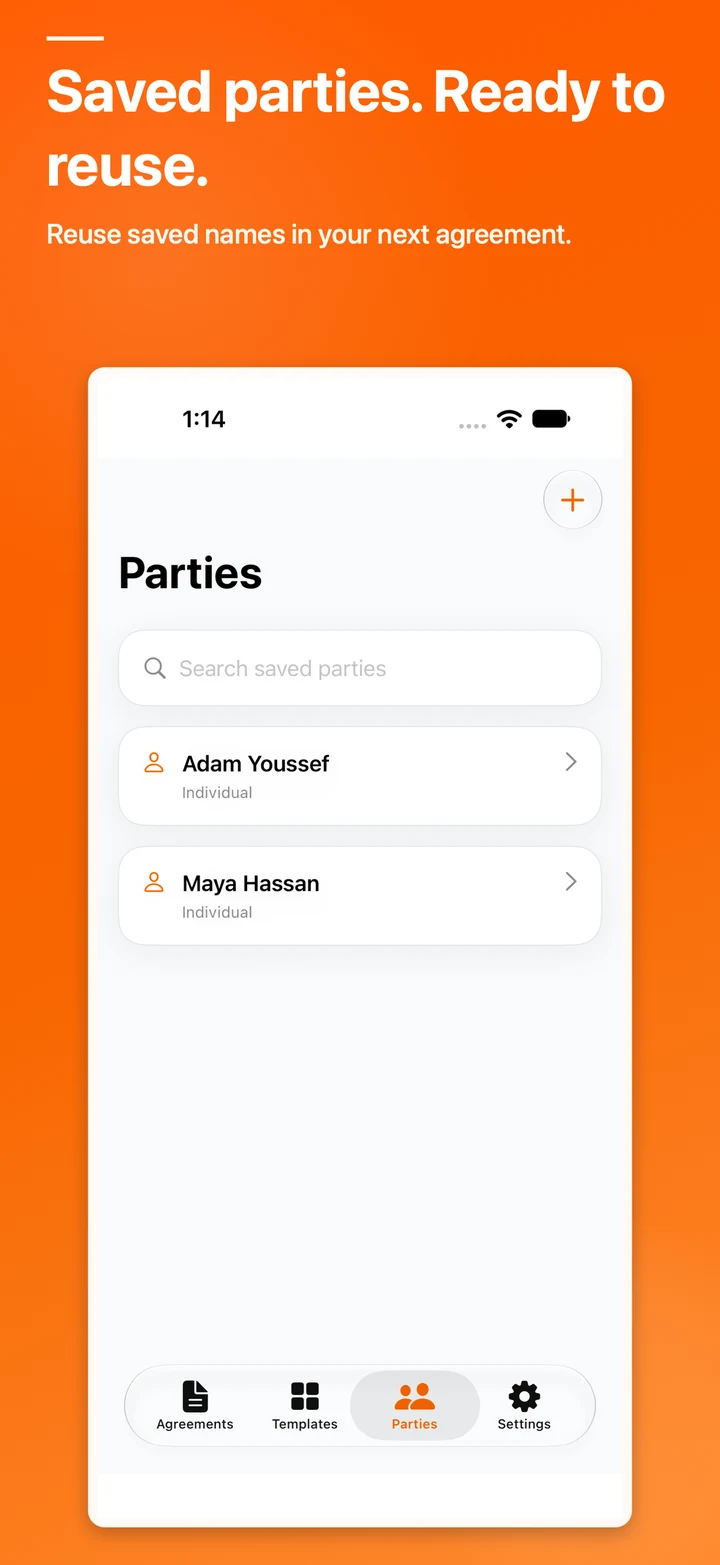
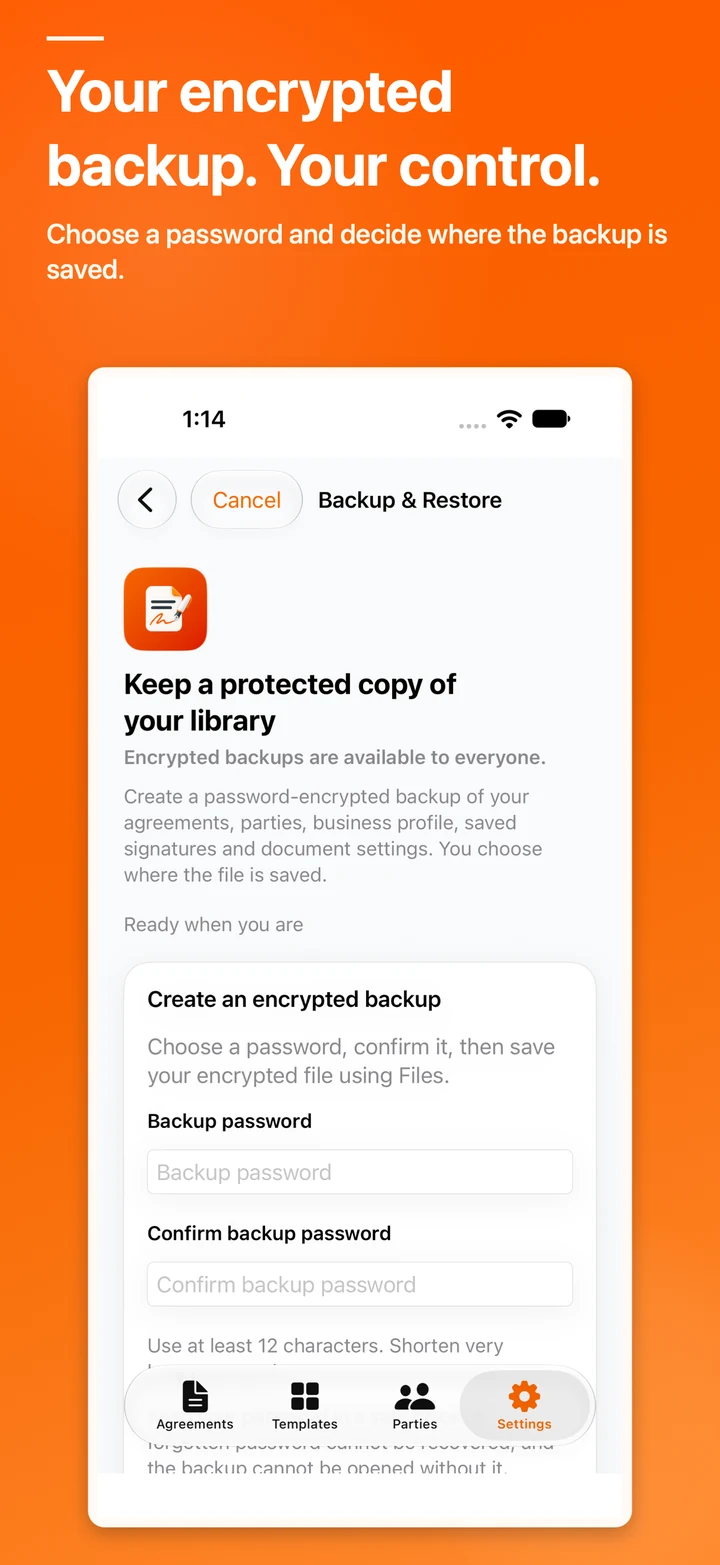
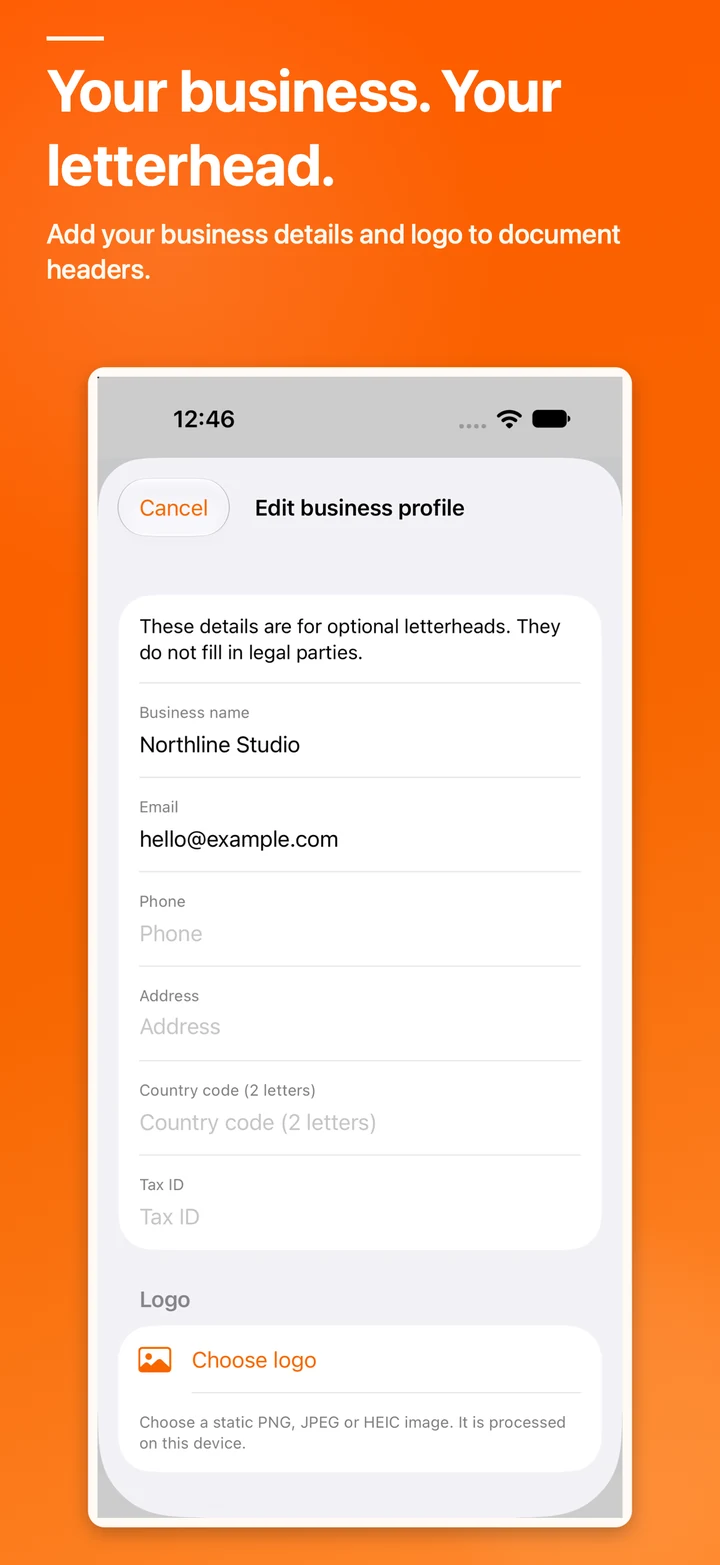
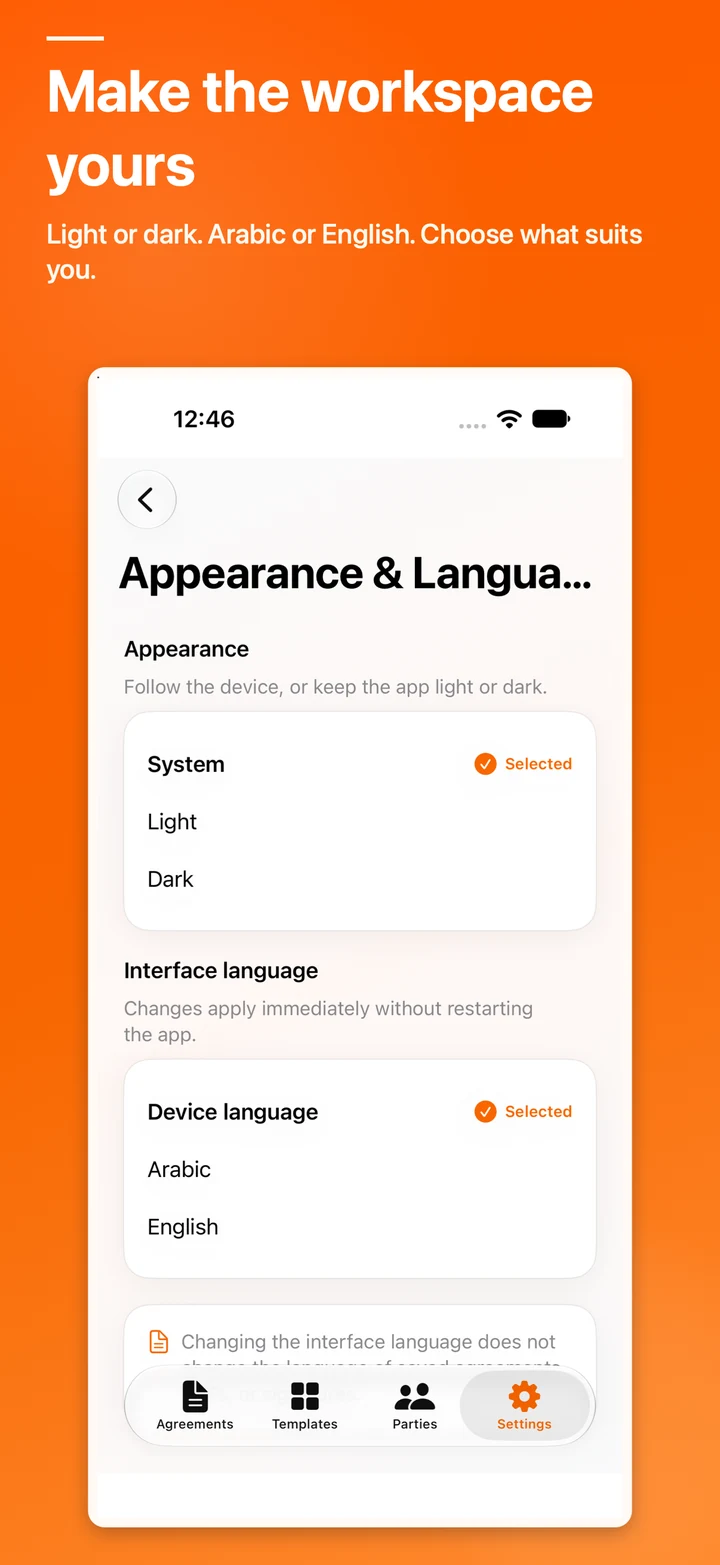
These screenshots come from the private testing build so you can review the interface and workflows before the public release.
More than a polished interface
What can you do with it?
25 Arabic and English templates
Templates for work, property, services, sales, and everyday agreements, including eight free templates.
Clear agreement PDFs
Review the document, then save, print, or share it through system tools.
Local signatures
Draw a signature, confirm the signer and date, and review signature pages inside the agreement.
App lock and encrypted backups
Use optional device authentication and password-protected backup files you control.
Organization and reminders
Reuse parties and business headers, organize drafts, and schedule optional local reminders.
On-device writing assistance
Optional suggestions use Apple’s on-device model on supported devices and languages, after explicit acceptance.
Questions before the public release
Contract Maker FAQ
Clear answers about availability, privacy, local workflows, and product access.
Are the templates legal advice?
No. Templates are practical starting points, not legal advice or government certification. Check suitability for your jurisdiction and seek qualified advice when needed.
Does Contract Maker require an account?
No. Creating and storing local drafts does not require a Codekenz account, and the app does not automatically upload agreements.
What is available for free?
Free includes eight templates, unlimited drafts, PDF review, sharing, and printing without a watermark, plus selected local tools.
Is Contract Maker available on the App Store now?
Not yet. The first release is being prepared and reviewed. The App Store button will appear here after the public release.
Codekenz · Business apps and products
From a guided template to a clear agreement, with data kept on your device.
Preview an example, create a guided draft, review the PDF, sign locally, and choose when to save or share the agreement.