Match filenames to SKU codes
Use the included sample CSV when product images need SKU-based names. Leading zeros stay intact.

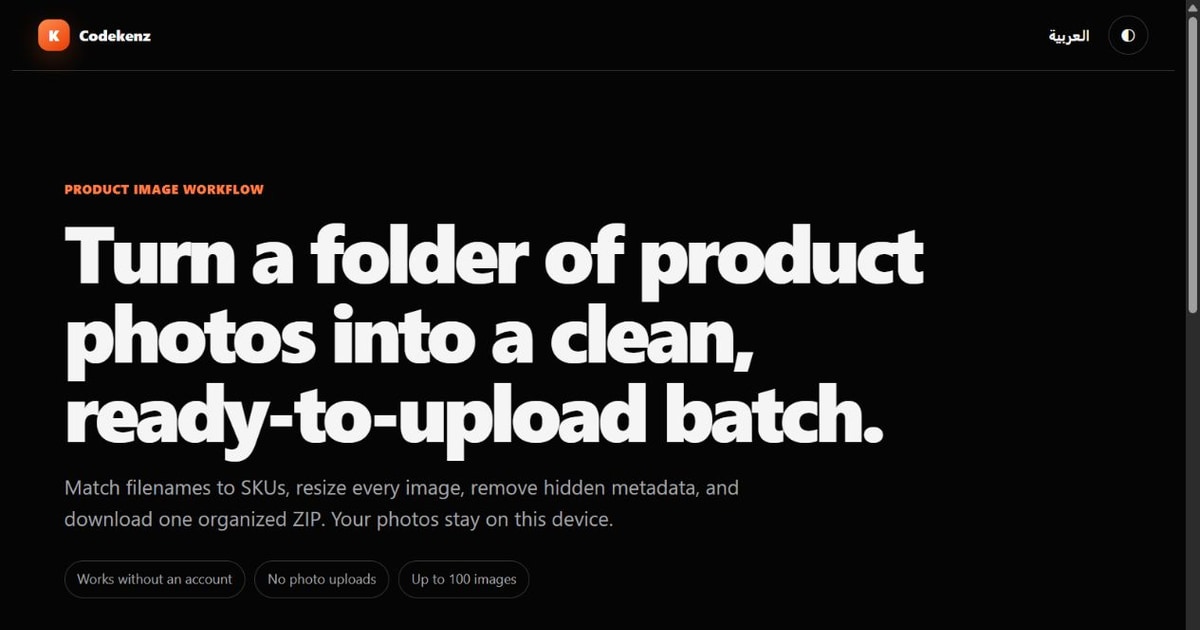
Match product photos to SKU codes, give every image one consistent size and format, remove hidden camera and location data, and download an organized ZIP—without uploading your photos.
The delivered app runs from its own folder in Microsoft Edge or Google Chrome. It does not need an account, installation, or a Codekenz upload.
Use the included sample CSV when product images need SKU-based names. Leading zeros stay intact.
Choose a square preset or a custom canvas up to 2048 pixels, then export JPEG, PNG, or WebP.
Every successful image is redrawn before export, removing embedded camera, location, and similar metadata.
The ZIP includes a report for missing matches, rejected images, and the name and size of every prepared output.
Your original photos are not changed. Review the prepared ZIP before uploading it to any store or marketplace.
Add up to 100 static JPEG, PNG, or WebP images.
Add the optional CSV, then choose size, file type, quality, and background.
Keep the ready images, report, and settings manifest together.
Static JPEG, PNG, and WebP images, up to 8 MB each, 200 MB per batch, 32 megapixels, and 8192 pixels on either side. The optional CSV supports up to 1 MB and 100 rows. Each prepared image is limited to 12 MB and the prepared batch stops at 100 MB; use a smaller format, size, or batch if either limit is reached. HEIC, RAW, animated images, video, and damaged files are outside this version.
No. It resizes and contains the original image on a white, black, transparent, or chosen-color canvas. Transparent output is available with PNG and WebP; JPEG uses white. It does not use AI background removal or upscaling.
Re-encoding removes embedded camera, GPS, and similar metadata. It cannot remove a face, label, address, or other detail that is visibly printed inside the photo.
After your payment is confirmed, we email you a download link for the licensed ZIP. Use the same email address to recover your purchase later.
No platform acceptance is guaranteed. Each marketplace can set its own size, background, naming, and content rules. Review its current requirements and the prepared ZIP before upload.
Email support@codekenz.com with your receipt, app version, browser version, and a small synthetic example. Do not send customer photos, passwords, or unnecessary personal data.