Draft from a template
Choose a starting template and fill in the terms of your agreement with guided questions.

Contracts · Guided templates · PDF
Choose a template, answer questions about your agreement, and review the draft before exporting a PDF you can share.
Draft, review, and organize your agreements in one workspace.
Choose a starting template and fill in the terms of your agreement with guided questions.
Check the draft before exporting a standard PDF to save or share.
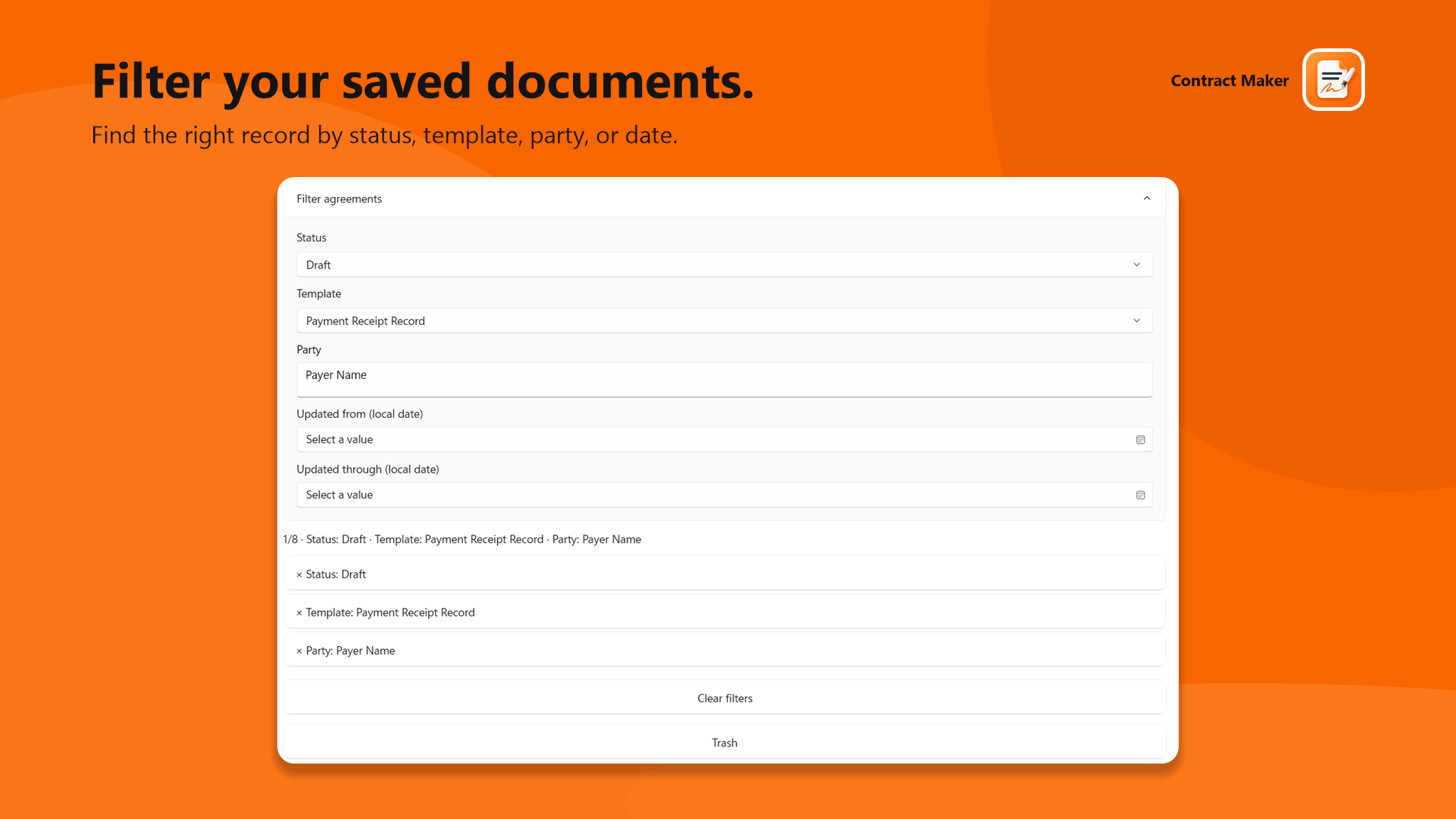
Filter saved documents and reuse names and contact details from your local party records.
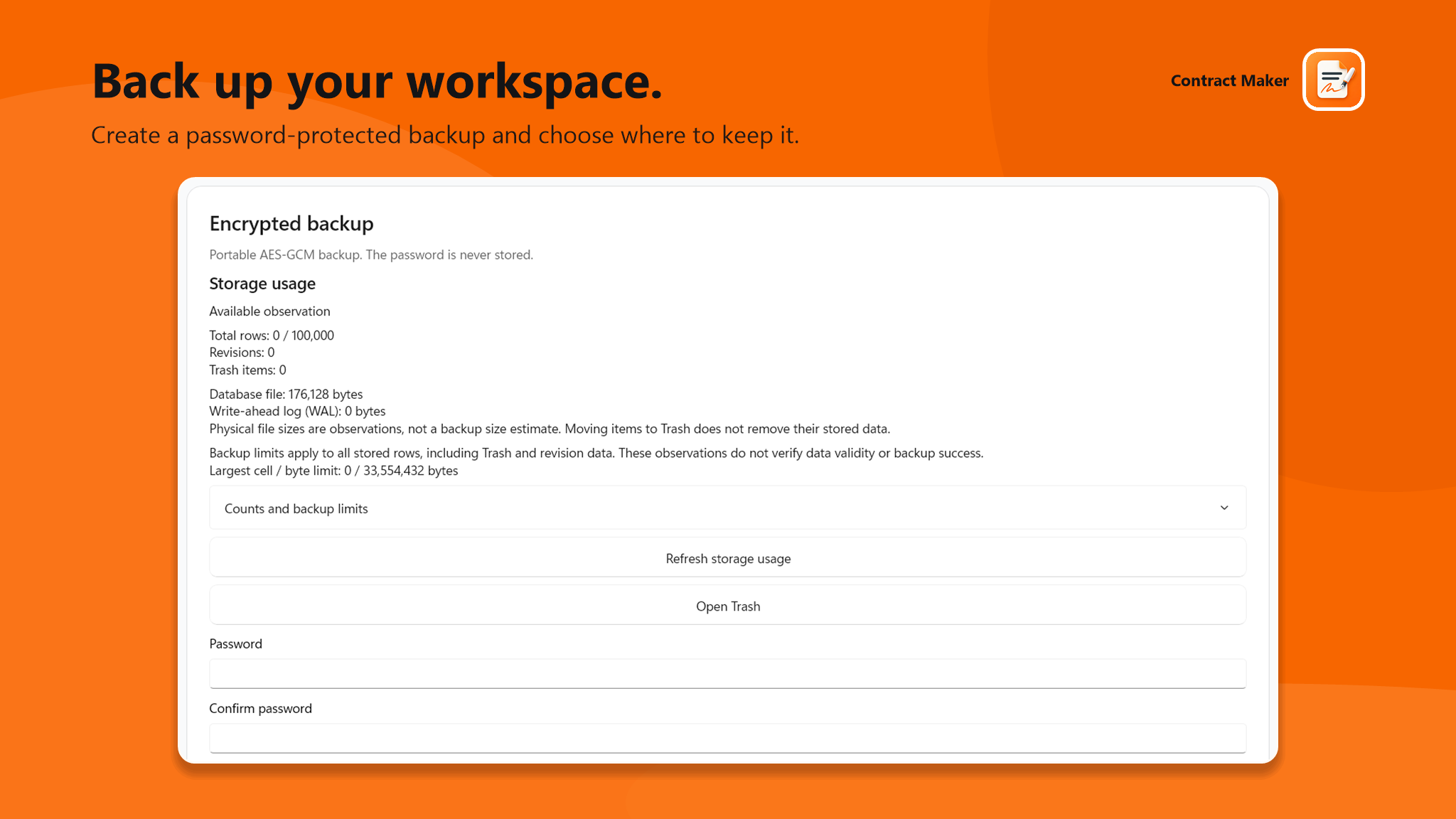
Use local reminders for important dates and create a password-encrypted backup of your workspace.
Screens from Contract Maker for Windows in English.
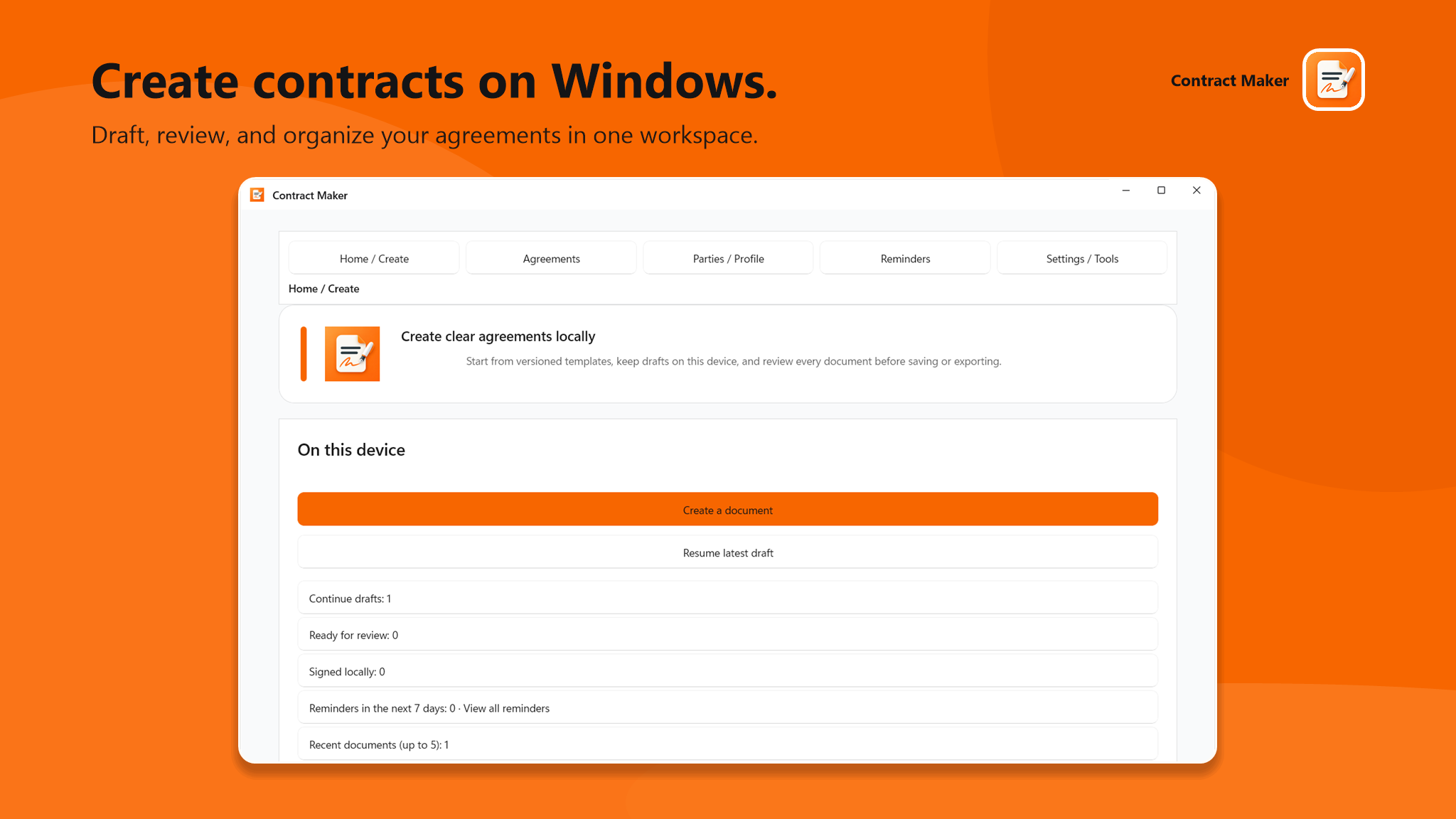
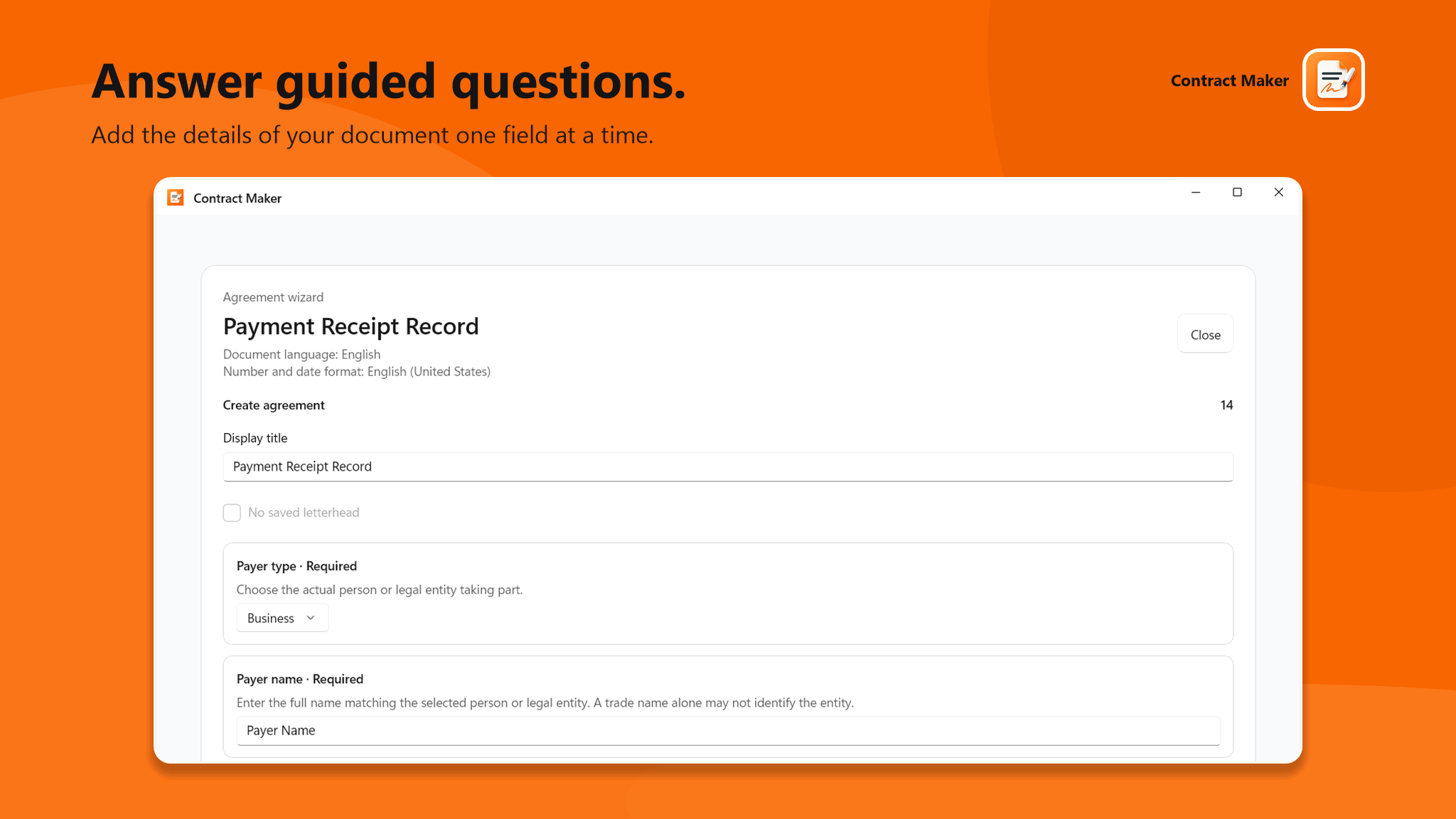
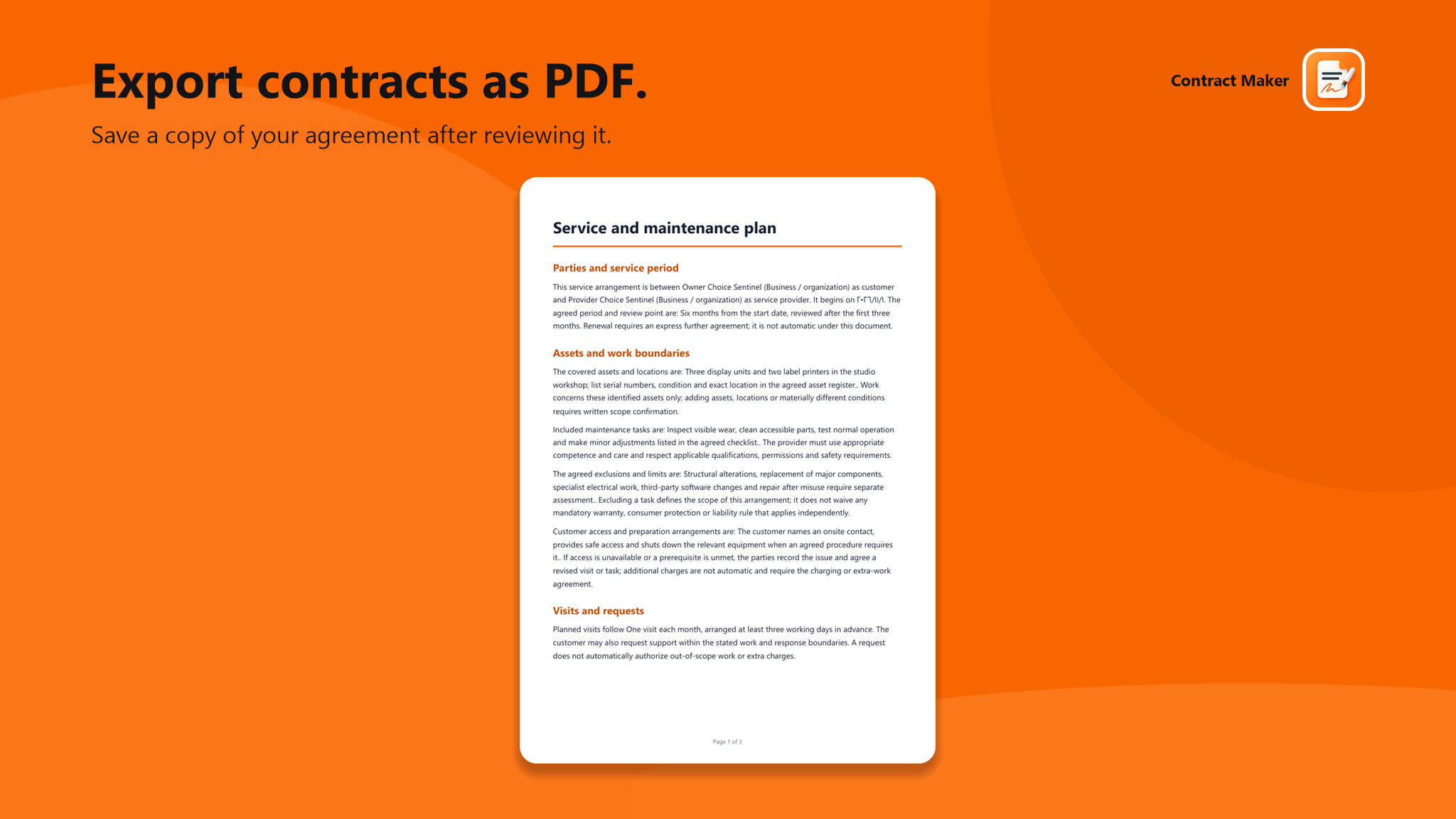
Contract drafts and party details are stored in your Windows workspace. You choose where to save or share your exported files.
Use the Microsoft Store listing to check the system requirements and install Contract Maker.
Yes. Review the draft, then export a standard PDF and share the saved file.
Use 16 templates, export contracts as PDFs, enable one reminder, and use the free messages.
Once the app verifies your Microsoft Store purchase, Lifetime Pro adds 40 more templates, additional reminders, Pro messages, and CSV export of your contract portfolio. It is an optional one-time purchase. Microsoft Store shows your local price before you buy.
The interface is available in 10 languages, including eight marked Preview. You can edit contracts and use built-in document content in Arabic and English.
Include your Windows version and the steps that led to the issue when you email support.