
Apple app testing and fixes
Get focused testing and build help for iPhone, iPad and Mac, or review a submission blocker.
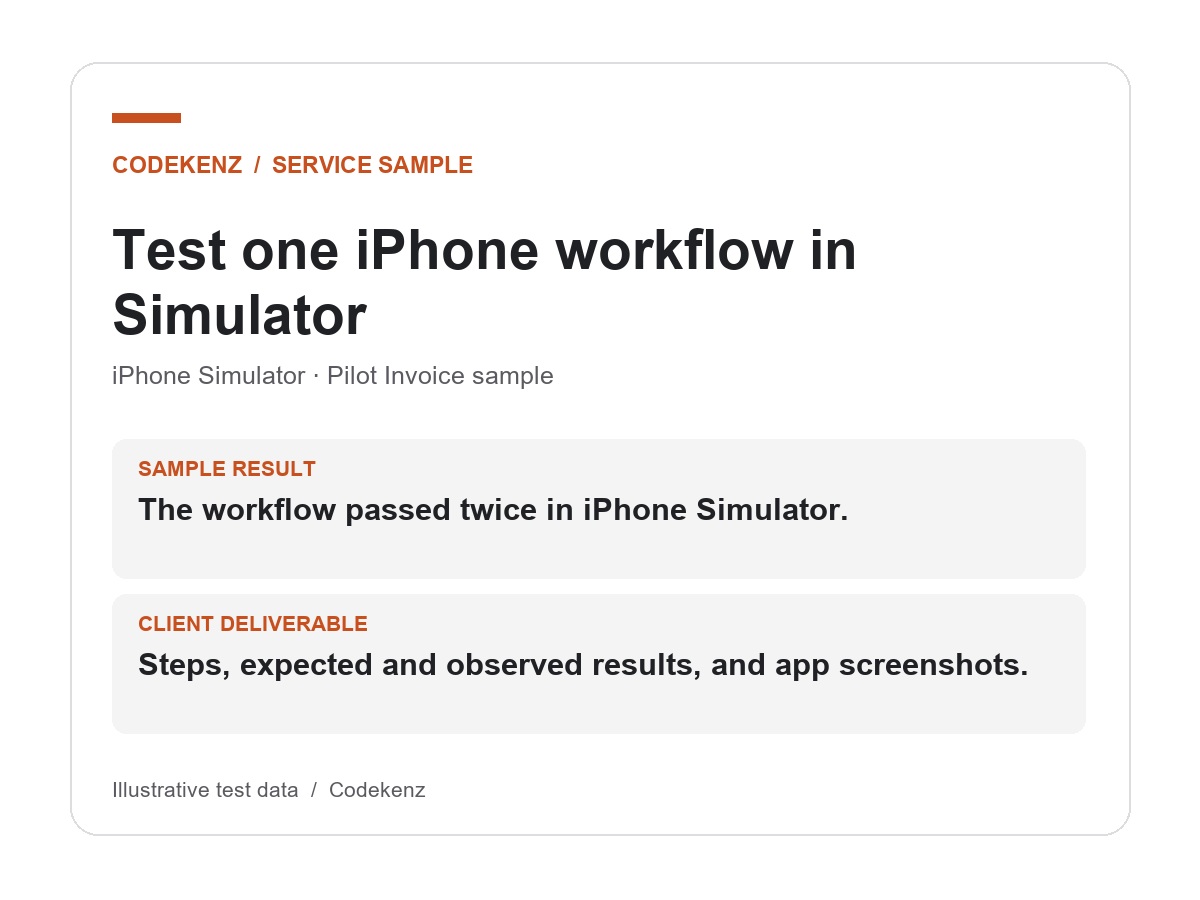
Test one iPhone workflow in Simulator
Test one agreed workflow twice from the same starting state on one iPhone Simulator configuration.
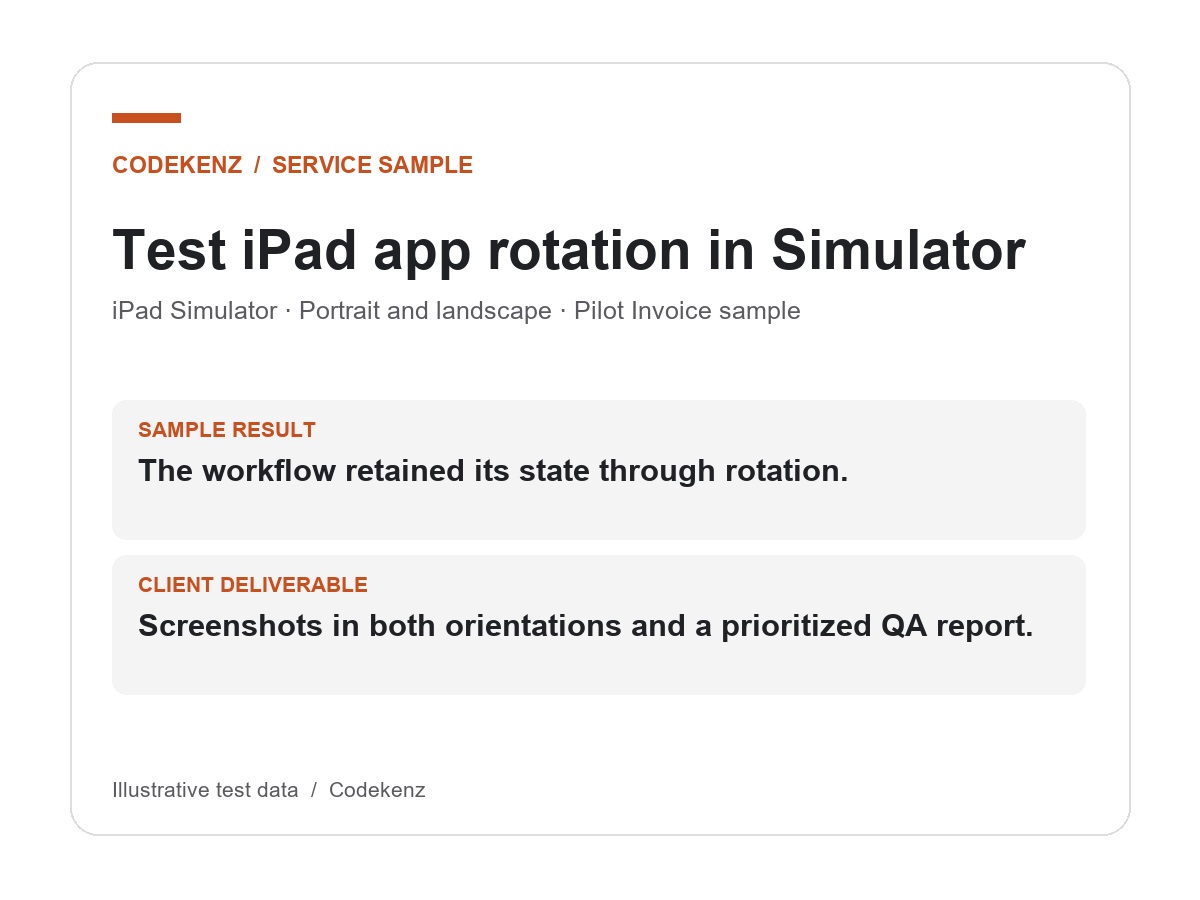
Test iPad app rotation in Simulator
Test one agreed iPad workflow in portrait and landscape on one iPad Simulator configuration, where the app supports both orientations.
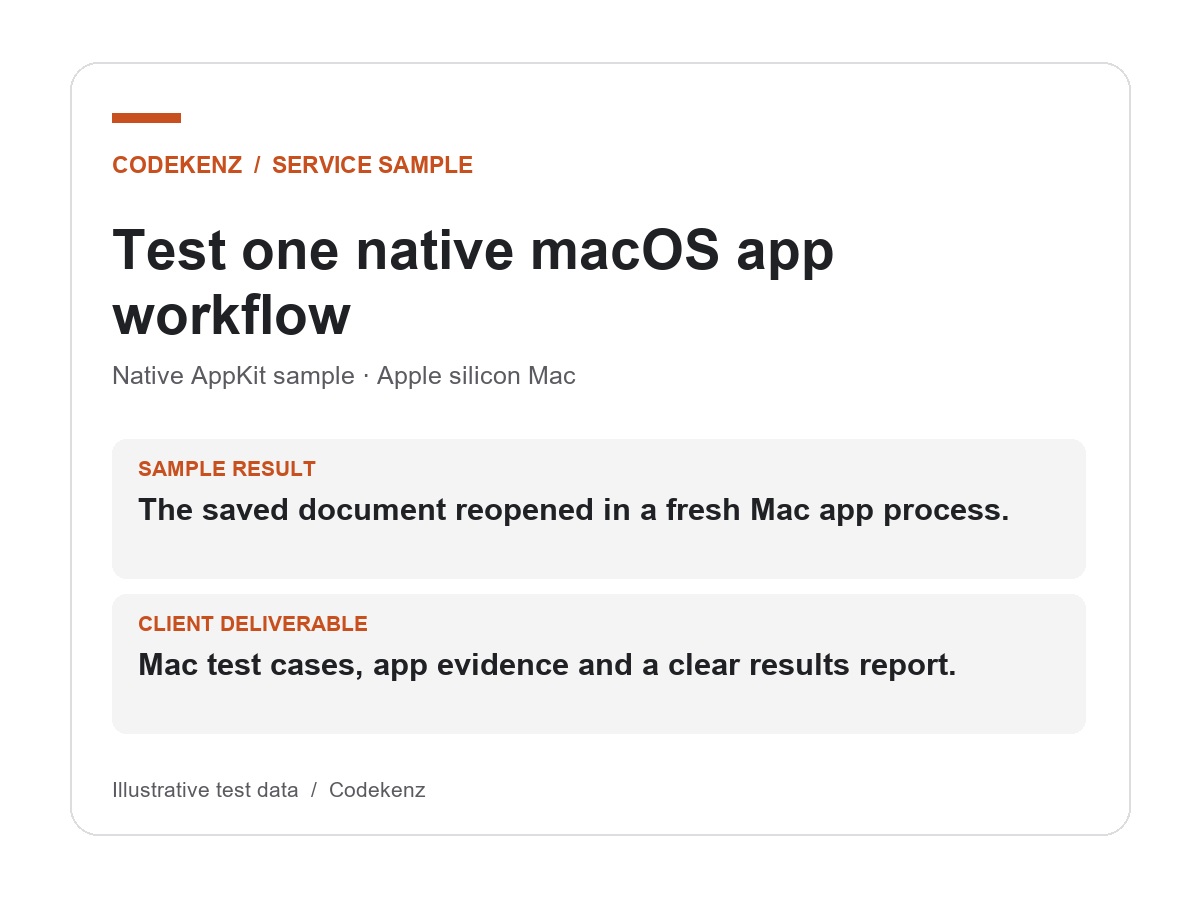
Test one native macOS app workflow
Test one agreed workflow in a native macOS app on an Apple silicon Mac. A typical scope is opening, editing, saving and reopening one document.
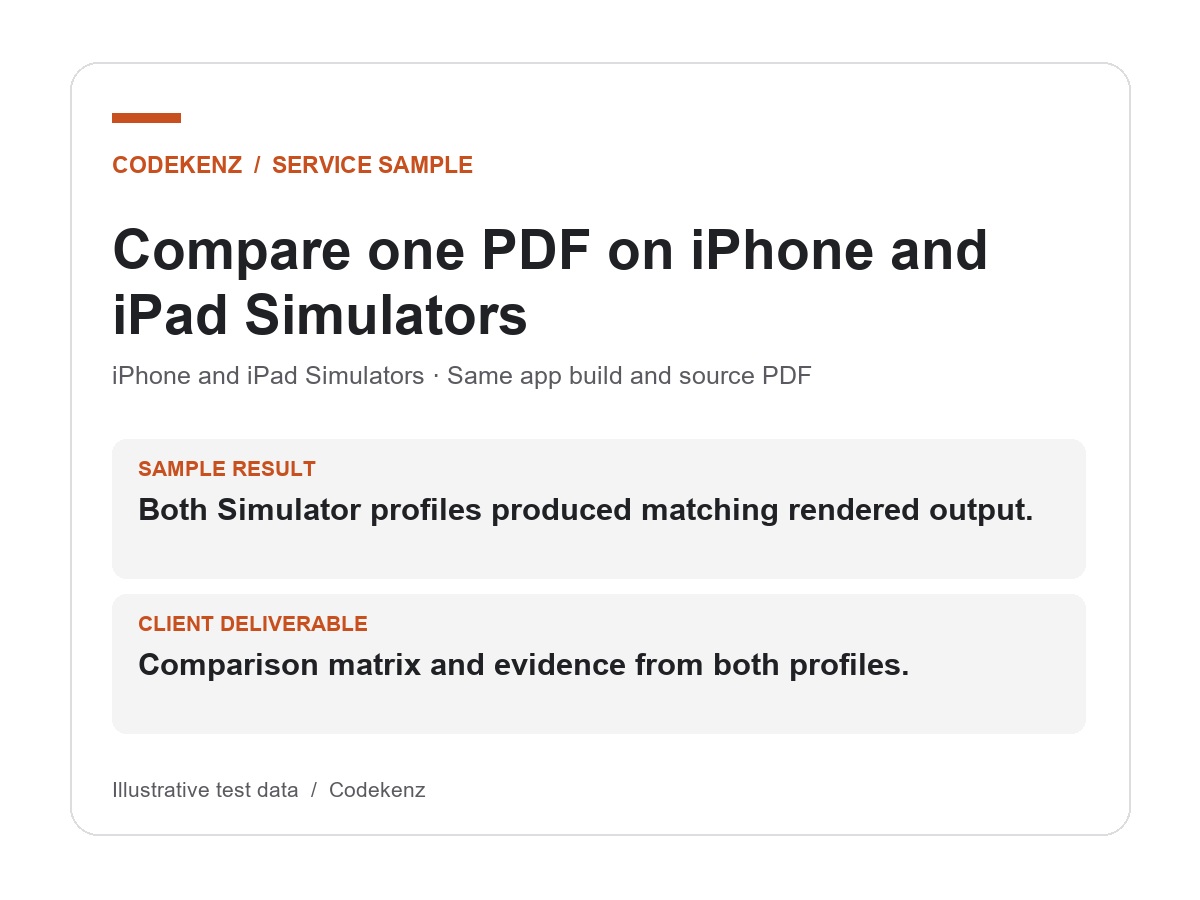
Compare one PDF on iPhone and iPad Simulators
Compare one document workflow on iPhone and iPad Simulators using the same app build and file. Check preview, editing, saving and reopening as supported.
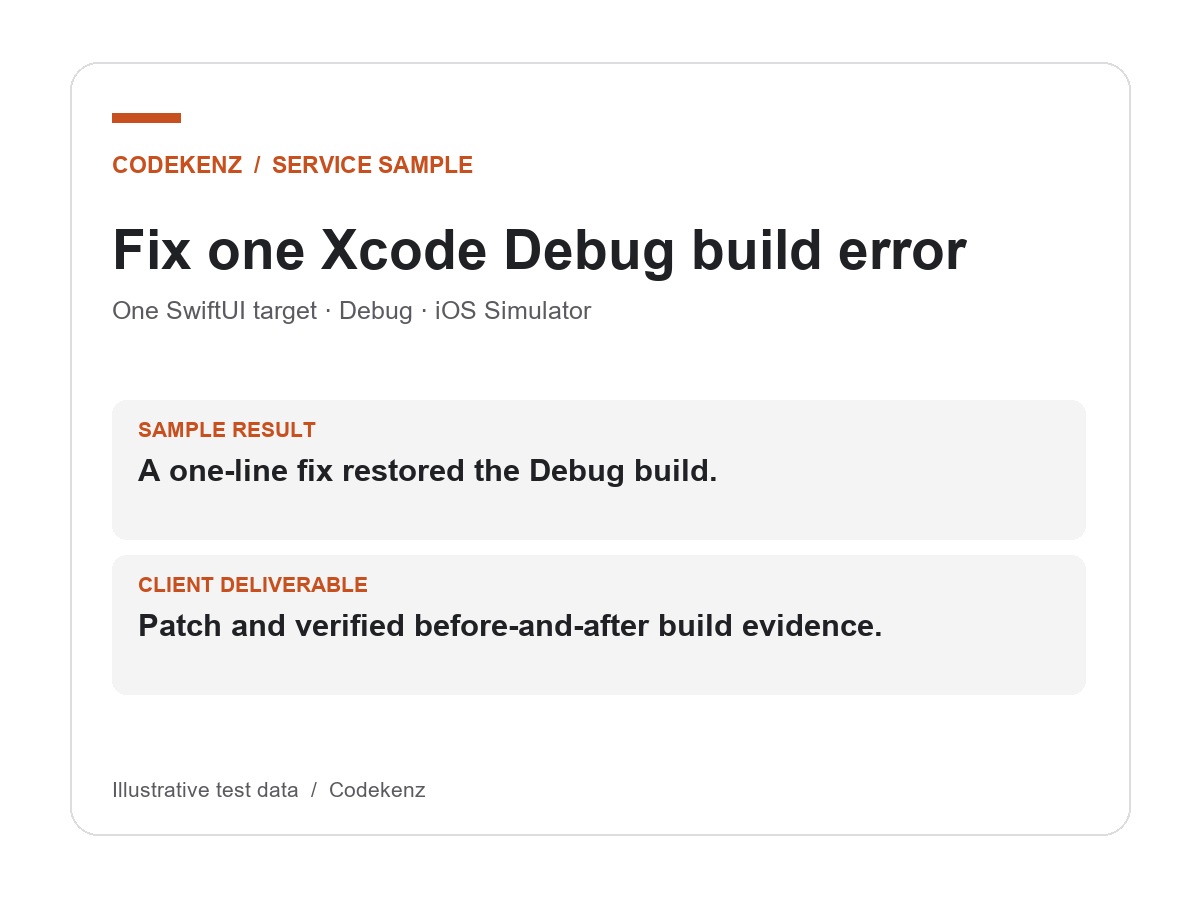
Fix one Xcode Debug build error
Reproduce one Debug build failure in one Xcode target for iOS Simulator, apply a focused fix and verify the same build again.
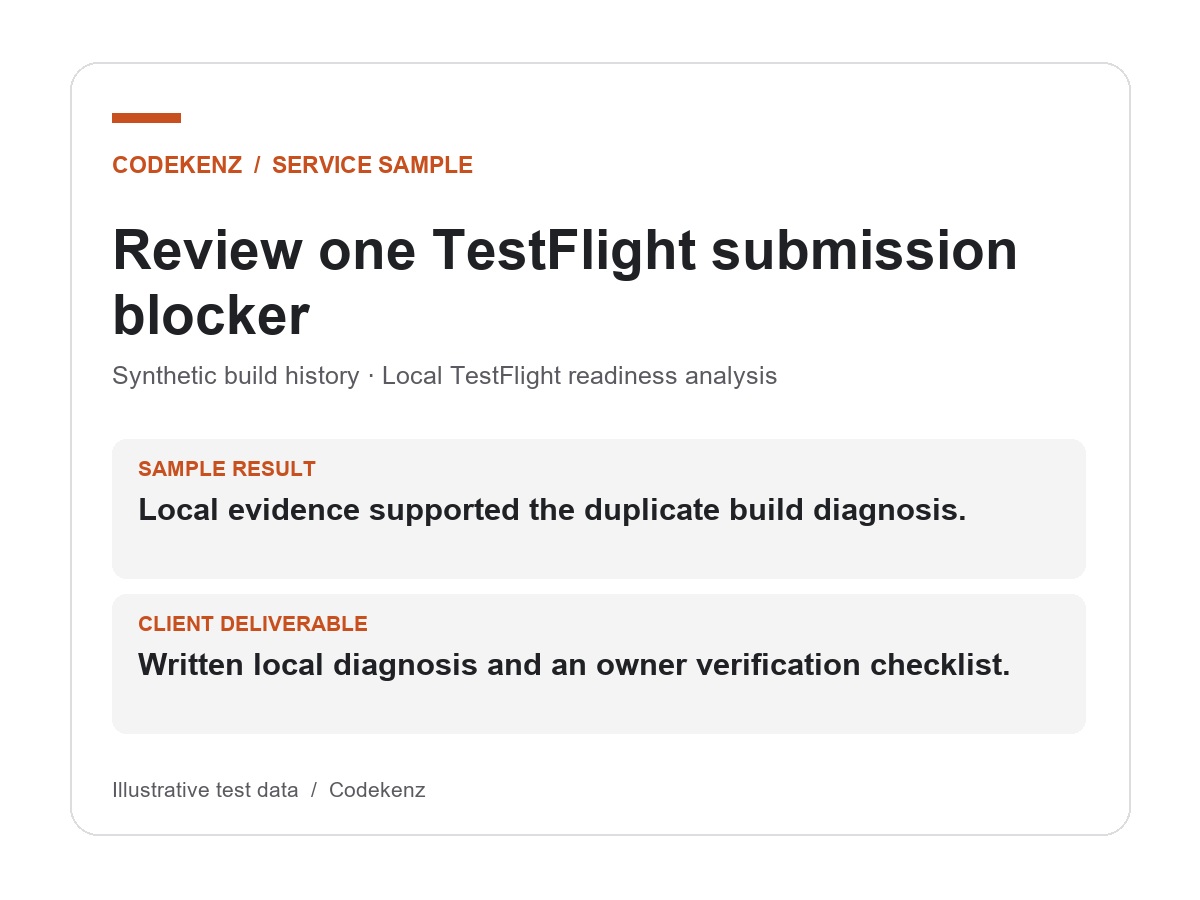
Review one TestFlight submission blocker
Review one TestFlight or App Store submission blocker from evidence you supply. Explain the likely cause and the checks your account owner can do next.