
Back to Codekenz appsDocument scanning · On-device OCR · PDF · Local organization
EasyScanner
Review first. Keep only what you choose.EasyScanner is a local-first document workspace for iPhone and iPad. Capture documents and IDs or import images and files, review page boundaries and filters, assemble multi-page documents, and recognize text on-device before you explicitly export or share. No account is required, and the app does not automatically upload documents to a Codekenz server.
Document scannerOn-device OCRLocal-firstLifetime Pro
App Store release in preparationSupport
Privacy policy for this app
Purpose & value
Why EasyScanner?
Capture documents and IDs, review boundaries and filters, assemble pages, and organize confirmed documents locally on iPhone and iPad—with no account, ads, or tracking.
Review before saving
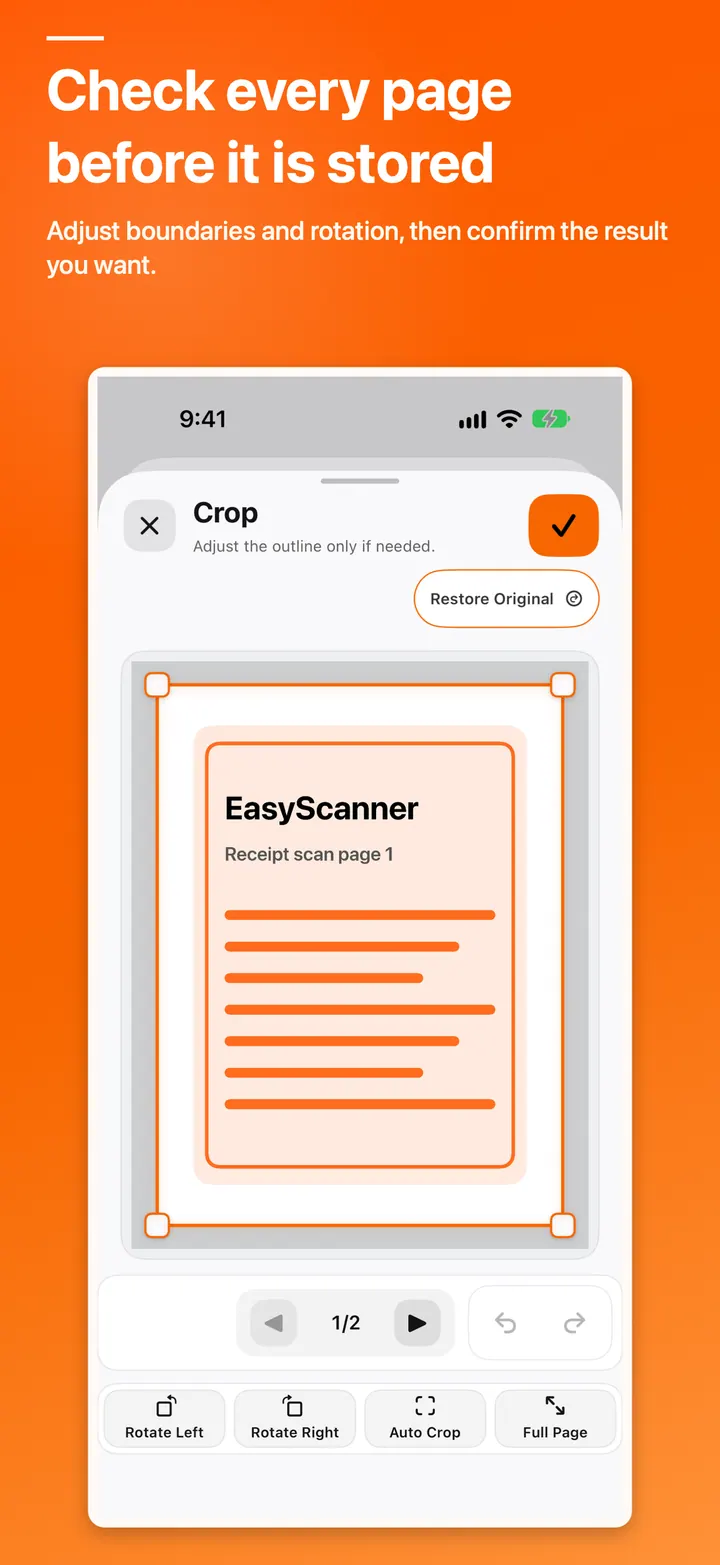
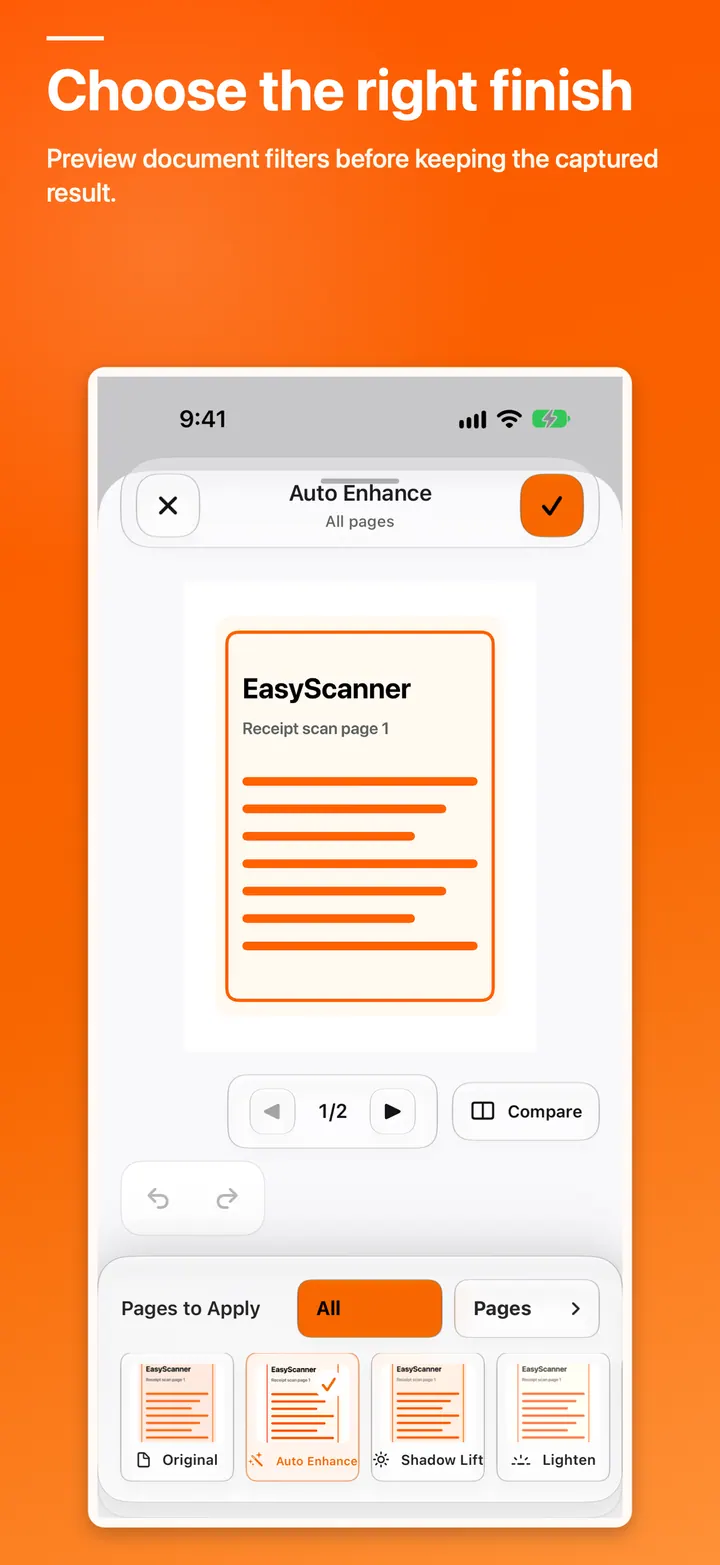
Check page boundaries, filters, and page order before keeping a result.
Purpose-built capture paths
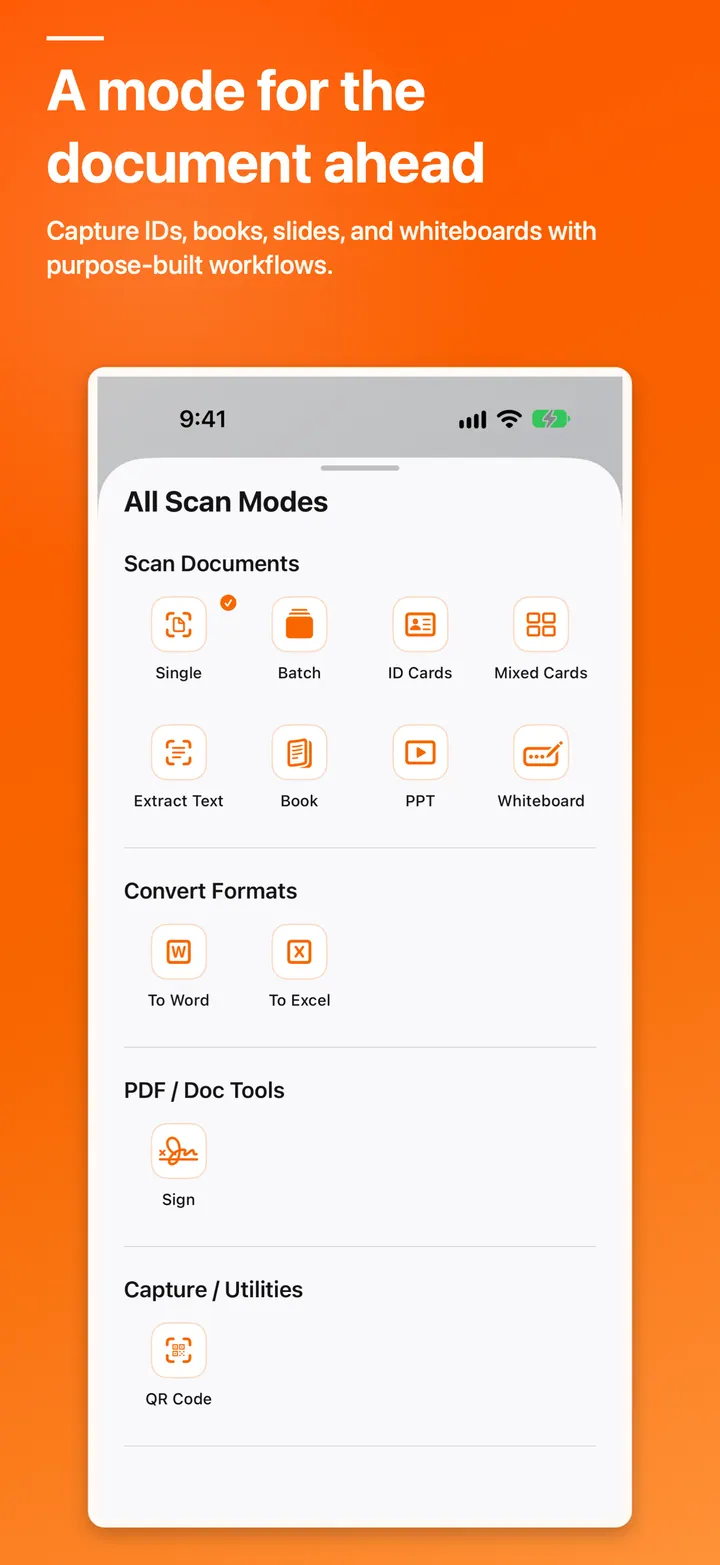
Use focused workflows for documents, IDs, mixed cards, books, and batches.
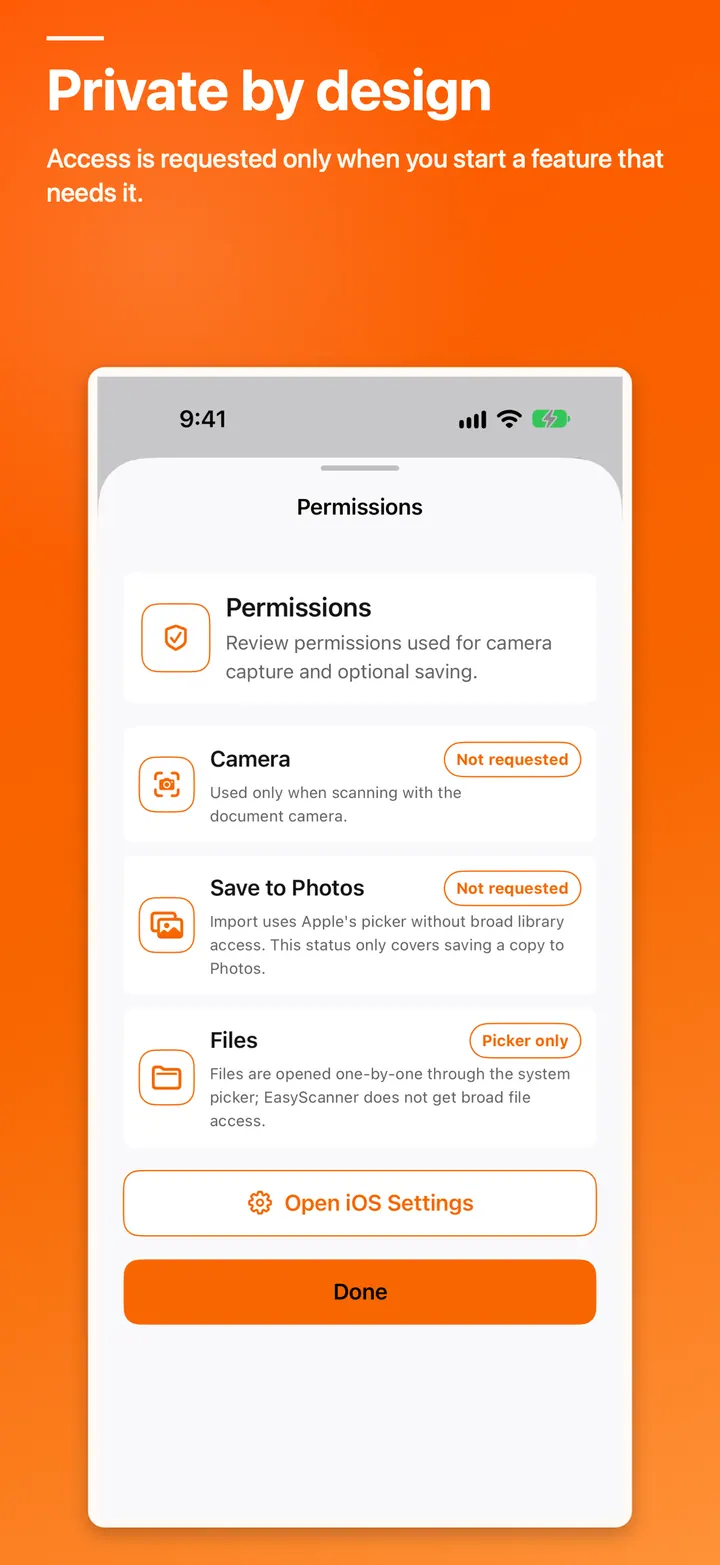
Clear privacy boundaries
There is no app-owned document upload service, and export or sharing remains under your control.
Inside the app
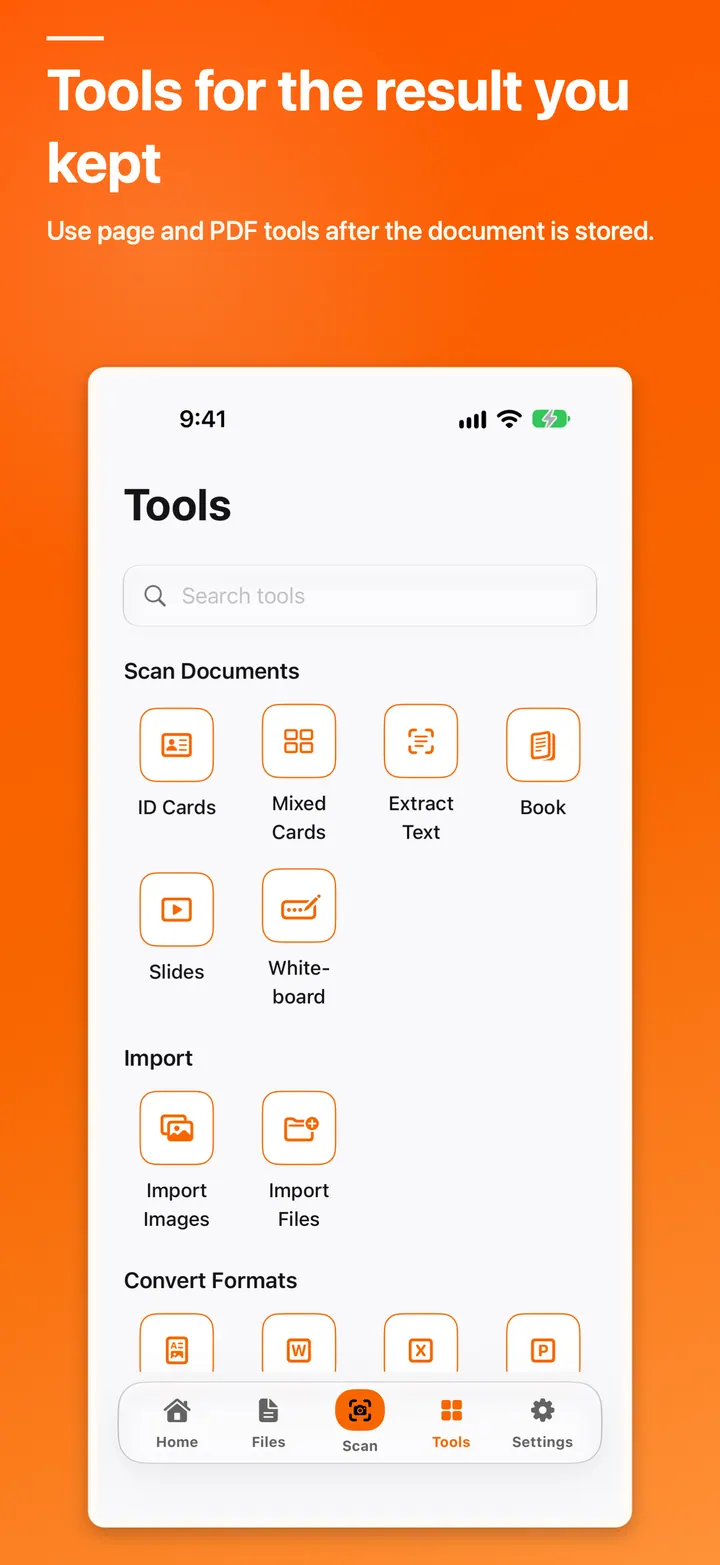
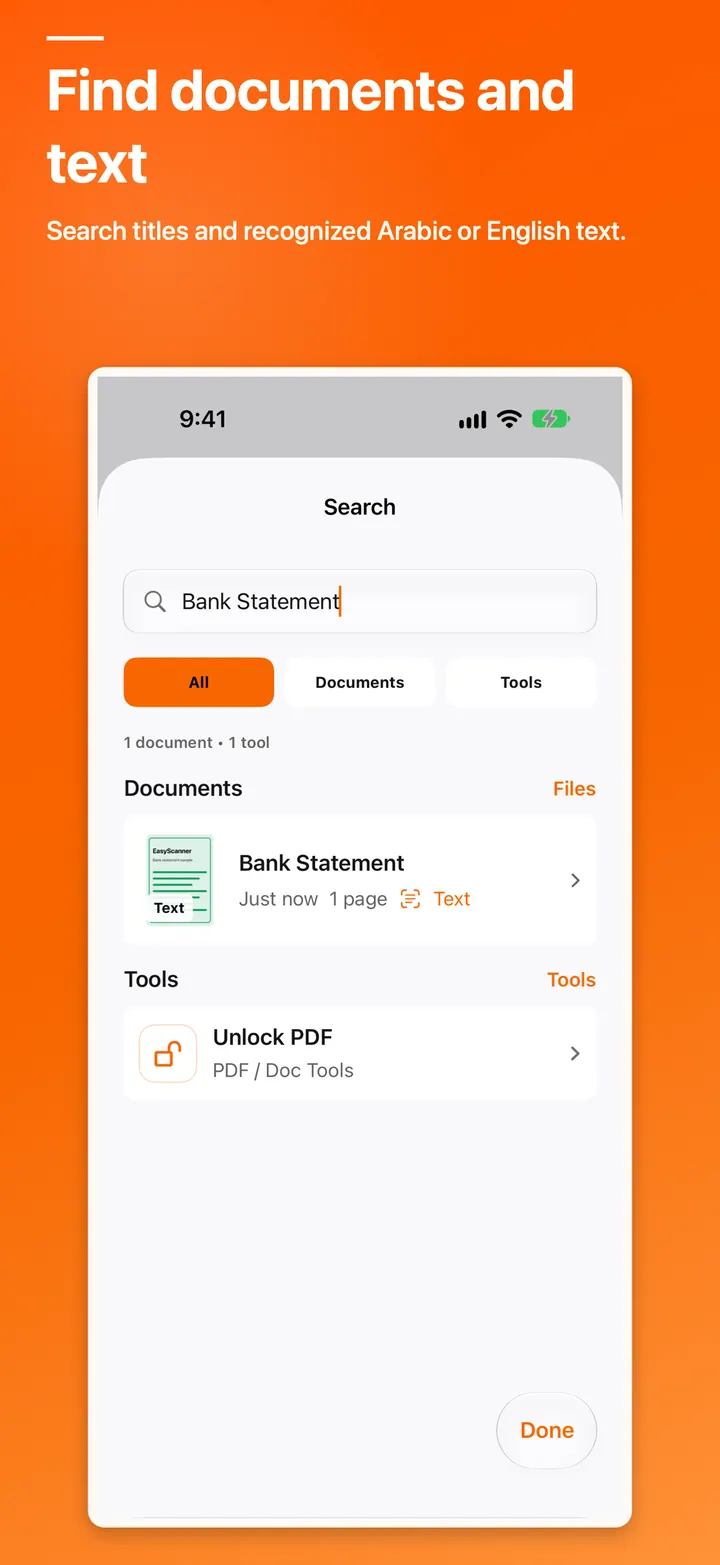
Real screens from the product experience
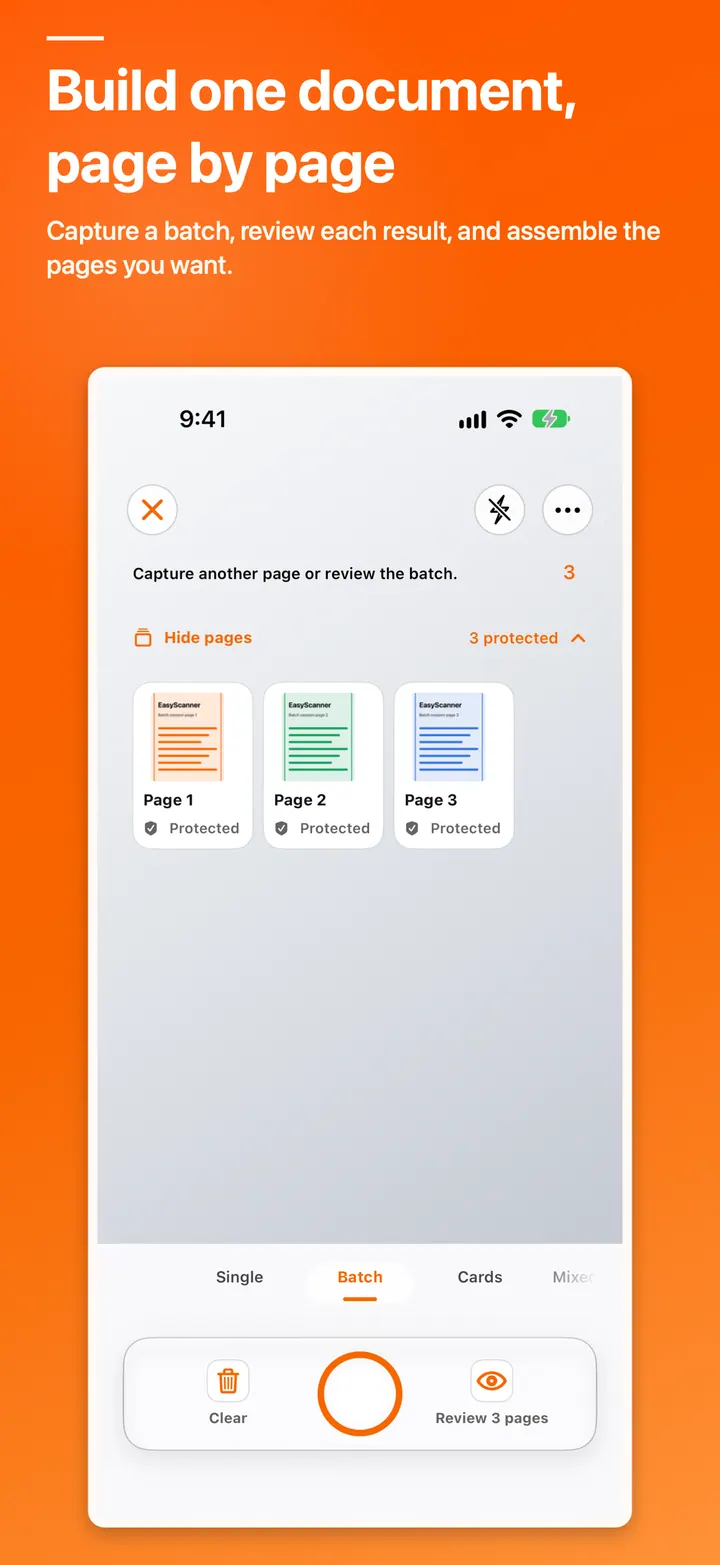
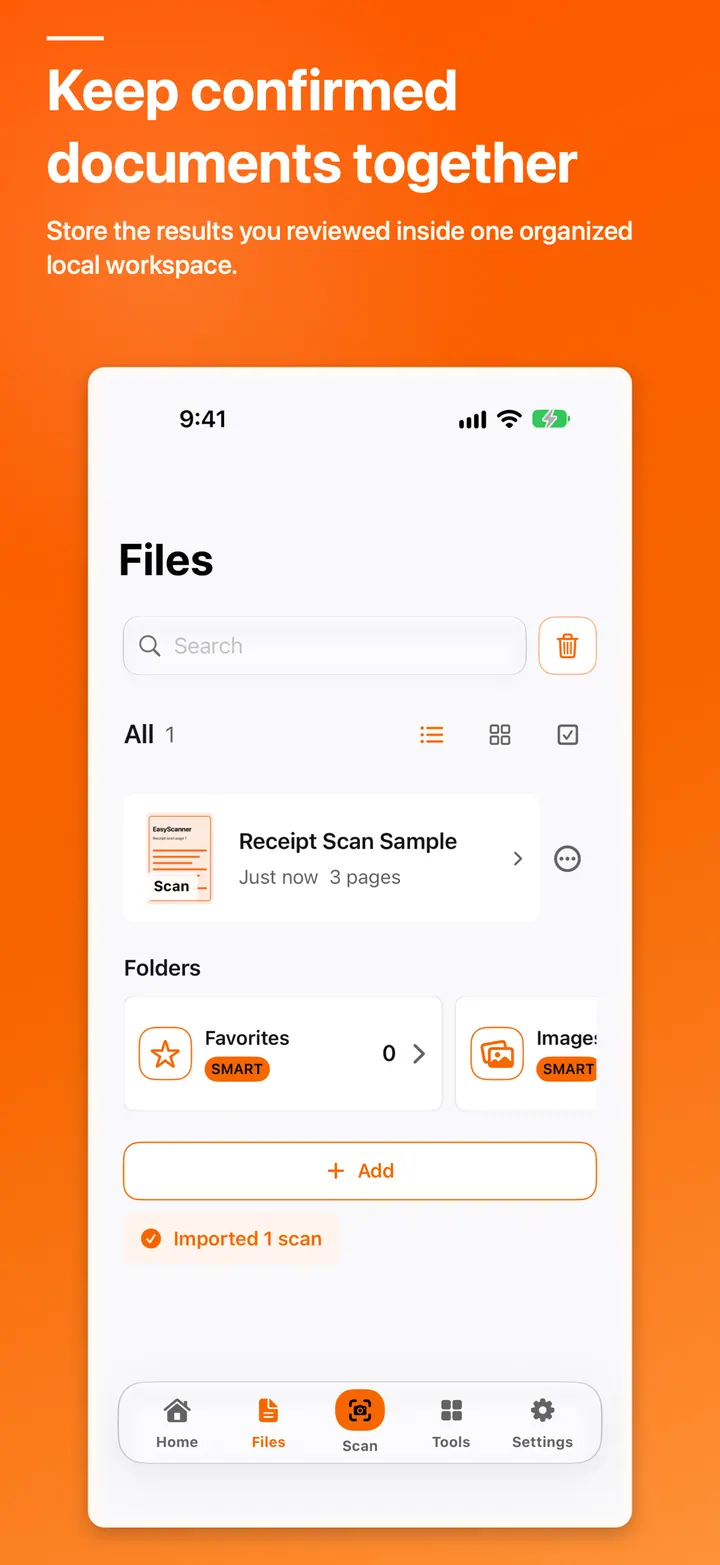
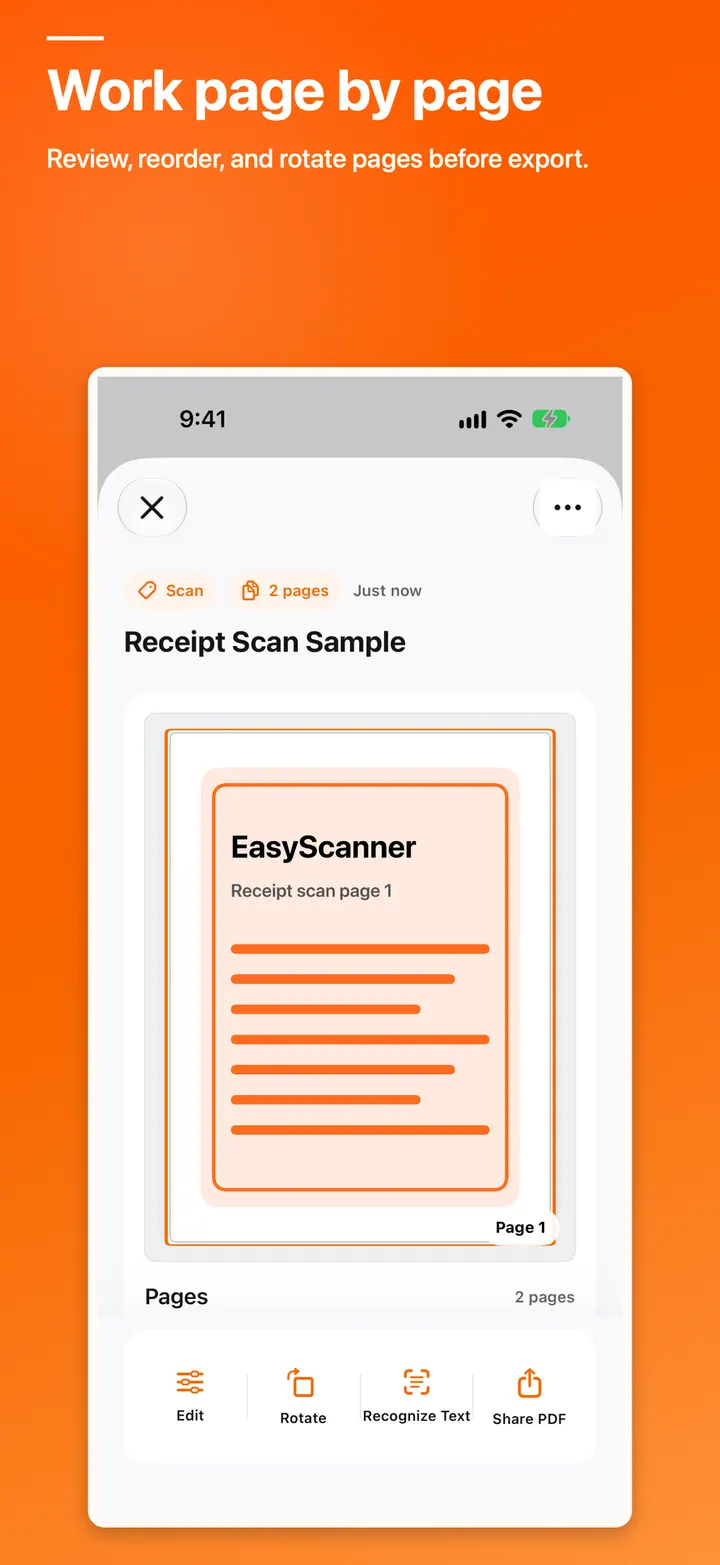
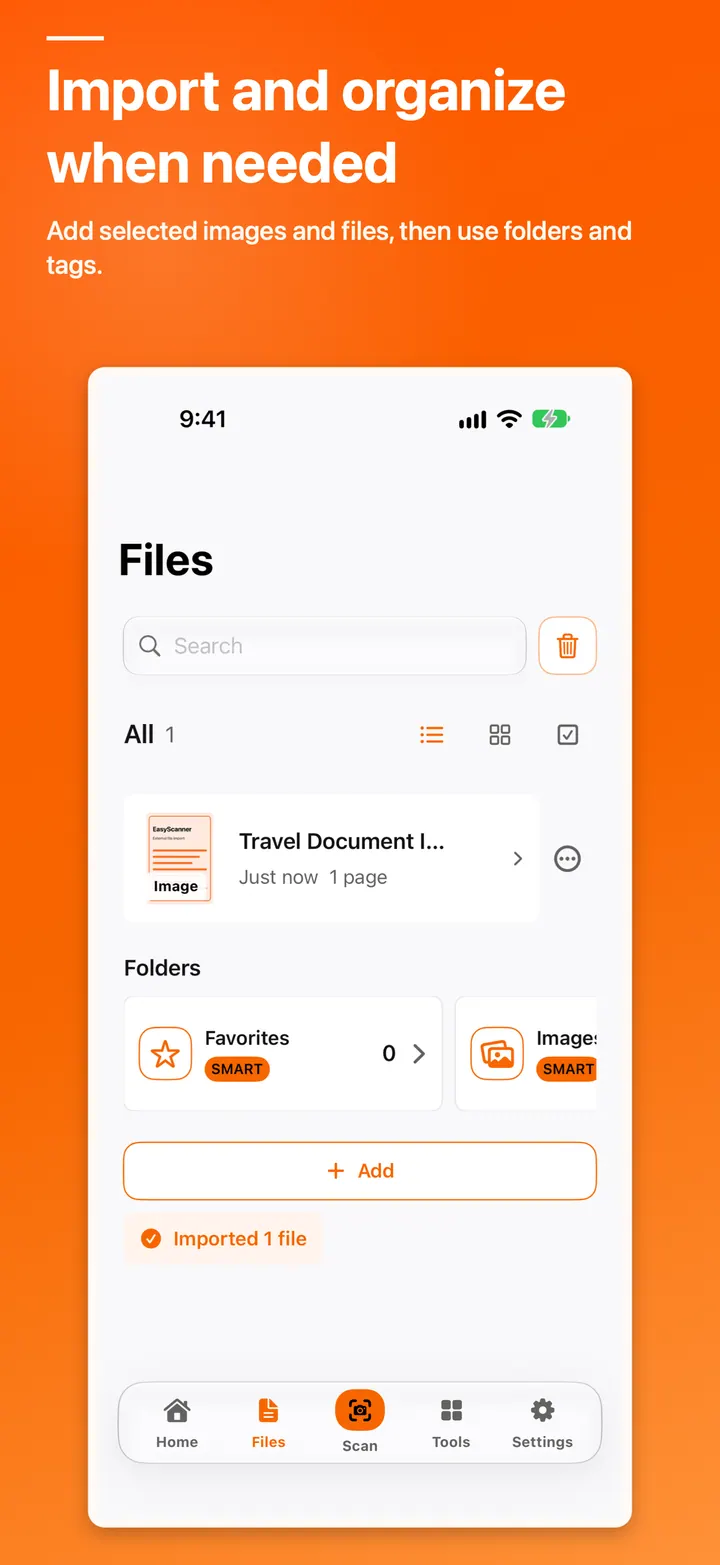
These screenshots come from the actual app so you can see how the interface and workflows feel before you download it.
More than a polished interface
What can you do with it?
Capture & import
Start from the camera, Photos, or Files depending on the task.
Boundaries & filters
Review crop, rotation, and filters before confirming a result.
Multi-page documents
Assemble, reorder, and review pages in one document.
On-device OCR
Recognize text on-device within the allowance of the selected plan.
PDF tools
Run selected PDF actions from the local document workspace.
Library & search
Organize confirmed documents and search the local library.
Questions before you download
EasyScanner FAQ
Clear answers about availability, privacy, local workflows, and product access.
Does EasyScanner require an account?
No. EasyScanner works without a user account, and the document library remains local to your device.
Does the app automatically upload my documents?
No. EasyScanner has no app-owned service that uploads documents to Codekenz servers. Export or sharing occurs only when you explicitly choose it.
What is included in Free and Lifetime Pro?
Free use includes standard scanning, page review, local organization, selected basic tools, and limited allowances for some features. Lifetime Pro unlocks the identified advanced features as a restorable, non-consumable Apple purchase with no recurring subscription.
Is EasyScanner available on the App Store now?
This product, support, and privacy page is live while the App Store release is being prepared. The store link will appear here after official availability.
Codekenz · Apple Apps & Products
Clear capture and a local library under your control.
EasyScanner brings capture, review, organization, and document tools into one workspace with local-first privacy and explicit export decisions.